A Musician’s Guide to Staying Curious and Creative
by Ed Carter
For musicians, educators, professionals and soon-to-be retirees everywhere, guest blogger Ed Carter returns with this article on exploring new pastimes and adventures while “living the dream” during and after full-time employment. What are you planning to be (or do) when you grow up? PKF
Musicians are lifelong learners by nature. Whether you’re a touring guitarist, a bedroom producer, or a choir director, you already know that growth happens when curiosity meets practice. Learning new skills and hobbies isn’t just a way to pass the time—it’s a way to deepen musicianship, prevent burnout, and build a richer creative life. From hands-on crafts to movement and language, the right skill can feed your music in surprising ways.
The Fast Takeaway Most Musicians Need
Learning something new works best when it’s low-pressure, connected to your existing creative instincts, and practiced in short, repeatable sessions. Choose skills that train your ears, hands, body, or sense of story. Let progress be uneven. Consistency matters more than talent.
Skills That Pair Surprisingly Well With Music
Here’s a quick, varied list of skills and hobbies that musicians often enjoy—and actually benefit from:
Cooking: Teaches timing, improvisation, and sensory awareness
Gardening: Builds patience, seasonal thinking, and long-term care
Photography: Sharpens composition, contrast, and mood
Sewing or basic clothing repair: Encourages precision and rhythm
Dancing: Improves mood, posture, and body awareness
Visual art (drawing, painting, collage): Expands emotional expression
Learning a new language: Trains listening, phrasing, and memory
Playing a second (or third) instrument: Resets beginner’s mind
Each of these taps into skills musicians already use—just in a different form.
A Simple How-To for Learning Any New Skill
Use this checklist-style approach to avoid overwhelm and keep momentum:
Start smaller than you think Commit to 10–15 minutes a few times a week. That’s enough to build a habit.
Choose tools, not perfection One good knife, one sketchbook, one dance class, one app. Avoid overbuying.
Practice in public (a little) Share a photo, cook for a friend, attend a beginner class. Light accountability helps.
Connect it back to music Ask: How does this change how I listen, move, or think creatively?
Let yourself be bad Beginners progress faster when they’re not trying to impress anyone.
Learning Skills Side-by-Side: A Comparison
When a Hobby Turns Into a Calling
Sometimes a skill stops being “just for fun.” You fall in love with it, invest more time, and start wondering if it could become part of your career. Many musicians eventually return to school to formalize a passion—whether that’s audio engineering, education, therapy, or technology. Finding a program that supports your interests matters; for example, if you want to build skills in IT, programming, and computer science theory, earning a computer science degree can open doors, and this may be a good option. Online programs can be especially helpful for busy musicians, allowing you to study around rehearsals, gigs, and tours.
A Resource Worth Exploring
If you’re curious about picking up creative skills at your own pace, Skillshare offers beginner-friendly classes in photography, illustration, writing, productivity, and more. Many courses are short, project-based, and taught by working creatives.
Frequently Asked Questions
Do I need to be “talented” to start a new hobby? No. Skill comes from repetition, not personality traits.
How many hobbies is too many? If you feel scattered or stressed, scale back. One or two at a time is plenty.
What if I quit? Quitting is data. You learned what didn’t fit—and that still counts.
Final Thoughts
Learning new skills and hobbies keeps musicians adaptable, curious, and creatively healthy. You don’t need a master plan—just a willingness to start small and stay open. Some skills will quietly support your music; others may change your direction entirely. Either way, the act of learning itself keeps you in tune with growth.
We welcome this month’s guest blogger, Katherine Langford, who describes herself as “a digital marketing consultant, writer, freelancer, WordPress enthusiast, and coffee lover.” Thank you, Katherine! PKF
Music education has transformed dramatically in recent years. Traditional classrooms and rigid lessons are giving way to creative, flexible learning models that blend technology, collaboration, and real-world experience. The new model for modern music education isn’t just about mastering an instrument anymore—it’s about nurturing creativity, adaptability, and digital fluency.
Whether you’re a teacher, a student, or a parent trying to understand this shift, this guide will walk you through everything you need to know about the new model for modern music education and how it’s reshaping the way we learn, teach, and perform music.
What Defines the “New” Model for Modern Music Education?
The new model for modern music education is built on accessibility, inclusivity, and innovation. In the past, learning music often required private lessons, expensive instruments, and long practice hours under strict instruction. Now, technology has made learning more interactive, affordable, and engaging.
This model integrates online platforms, digital tools, and peer learning to create a dynamic environment. Students can watch video tutorials, join virtual ensembles, or even receive online class help from experienced musicians. It allows learners to progress at their own pace while receiving instant feedback and guidance.
Another major shift is the focus on creativity over perfection. Instead of emphasizing technical mastery alone, educators now encourage improvisation, digital composition, and personal expression. This approach builds confidence and helps students connect emotionally with their craft.
The Rise of Online Learning in Music Education
Online learning has become a cornerstone of modern music education. With platforms like YouTube, MasterClass, and specialized e-learning sites, anyone can access lessons from world-class musicians. Students can now learn piano, guitar, singing, or music production without leaving home.
These online classes are highly interactive, offering personalized feedback and practice tools. Some programs include live sessions, enabling real-time interaction with instructors and classmates. The flexibility to study from anywhere attracts learners of all ages and skill levels.
Online music education also supports busy professionals and students balancing multiple commitments. Many ask, Can I take my online class for music while working full-time? The answer is yes. With self-paced modules, recorded lessons, and flexible scheduling, anyone can continue learning without disrupting daily life.
Key Features of Modern Music Education
The new model for music learning focuses on a few core features that make it different from traditional instruction.
1. Technology Integration Modern classrooms use music software, apps, and digital instruments. Tools like GarageBand, Ableton Live, and Sibelius help students compose, record, and edit their music. This hands-on digital experience prepares them for real-world music careers.
2. Collaboration and Global Access Students can collaborate with others worldwide through online jam sessions or group projects. This exposure broadens cultural understanding and inspires new creative styles.
3. Personalized Learning Paths AI-driven platforms now assess student progress and customize lesson plans. Learners receive targeted exercises that focus on areas needing improvement. This keeps motivation high and ensures steady progress.
4. Performance and Portfolio Building Instead of graded recitals, students can build online portfolios, showcasing their songs or performances. This practical experience helps them prepare for music schools or careers in the industry.
Why Modern Music Education Matters Today
Music education today goes beyond traditional training. It prepares students for an evolving creative economy where adaptability and digital literacy matter.
The new model equips students with real-world skills such as sound design, audio editing, and digital marketing for music. These are essential for anyone pursuing a career in the modern music industry.
Additionally, it nurtures emotional intelligence. Creating and performing music helps students manage stress, improve focus, and build resilience. These soft skills translate into better academic and personal outcomes.
Another reason this new approach matters is its inclusivity. Learners who once couldn’t access quality lessons due to location or cost can now participate through online classes. Music education is no longer limited to elite institutions—it’s open to everyone.
The Role of Teachers in Modern Music Education
Teachers remain at the heart of music education, but their role has evolved. Instead of being strict evaluators, they now act as mentors, facilitators, and collaborators.
Educators guide students through self-directed learning, helping them explore interests while mastering key concepts. They encourage experimentation and critical thinking rather than rote memorization.
Teachers also integrate multimedia tools into lessons, using interactive notation software, metronome apps, and virtual instruments. This keeps learning engaging and relevant.
Modern instructors understand that today’s learners consume music differently. They balance traditional techniques with contemporary styles, helping students connect classical foundations to genres like pop, jazz, or digital soundscapes.
The Impact of Technology on Music Learning
Technology has completely reshaped how music is created and taught. From recording studios to smartphone apps, innovation drives engagement and creativity.
Students can record, mix, and share their music instantly. They can join online communities, collaborate virtually, or receive detailed feedback through smart analysis tools.
Some schools use virtual reality to simulate live performance environments. This helps students overcome stage anxiety and refine their skills before performing in real-life situations.
Moreover, digital sheet music platforms make learning more interactive. Instead of flipping pages, learners can annotate, loop sections, and practice efficiently.
Technology also enables inclusive learning. Students with disabilities can use adaptive devices or apps that make instruments more accessible. This reinforces the principle that music truly belongs to everyone.
How Online Class Help Supports Music Learners
Many students struggle with consistency or technical challenges while learning online. That’s where online class help becomes valuable. Expert tutors assist learners in managing lessons, assignments, and projects.
They provide feedback, correct mistakes, and ensure students stay on track. This type of support bridges the gap between traditional mentoring and independent study.
For example, if a student is learning music theory but struggles with notation, they can seek online class help for one-on-one guidance. This approach ensures understanding without the stress of falling behind.
It’s especially useful for those pursuing formal music degrees remotely. Expert assistance ensures academic integrity while keeping the learning experience enriching.
Common Question: Is Online Music Education as Effective as In-Person Lessons?
Many learners wonder if virtual learning can match the impact of face-to-face instruction. The short answer is yes, it can be just as effective—sometimes even more.
Online music education offers flexibility and access to diverse expertise that local lessons may lack. You can study jazz composition with a teacher from New York or classical violin from a maestro in Vienna.
Additionally, digital lessons allow unlimited practice and playback. Students can review recorded sessions anytime, reinforcing understanding and mastery.
However, success depends on commitment and quality instruction. Active participation, consistent practice, and seeking feedback are key to thriving in online music education.
Challenges Facing the New Model for Modern Music Education
While modern approaches have many benefits, challenges still exist. Internet connectivity, lack of physical interaction, and screen fatigue can affect engagement.
Students may also struggle with motivation when learning alone. This is where teacher support and community involvement become crucial. Encouraging virtual collaborations and online performances helps maintain enthusiasm.
Another concern is access to instruments. Not every learner can afford quality equipment or digital tools. Schools and institutions need to bridge this gap by providing resources or scholarships for talented students.
Despite these obstacles, the benefits of digital and hybrid learning far outweigh the drawbacks. With ongoing innovation, these challenges are gradually being addressed.
The Future of Modern Music Education
The future of music education looks bright and interconnected. We’ll see more hybrid classrooms combining online and offline experiences. Students might attend physical rehearsals while collaborating digitally with international peers.
Artificial intelligence will continue shaping learning paths, analyzing performances, and suggesting improvements. Virtual and augmented reality will simulate live concerts and recording studios for immersive training.
Most importantly, inclusivity and creativity will remain the foundation of this evolving system. Every learner, regardless of background, will have the opportunity to express themselves musically.
The new model is creating musicians who not only play instruments but also understand technology, production, and storytelling. They’ll be ready to thrive in an industry that values both art and innovation.
How Students Can Get the Most Out of Modern Music Education
If you’re a student exploring the new world of music learning, here are some helpful tips:
Set clear goals. Decide what you want to achieve before starting lessons.
Stay consistent. Practice regularly, even if only for short sessions.
Use technology wisely. Try apps, online lessons, and recording tools to track progress.
Engage with others. Join online groups, perform live sessions, and exchange feedback.
Seek guidance. Don’t hesitate to reach out for online class help when needed.
These small steps ensure that your learning remains enjoyable and productive.
The Cultural Shift in How We Value Music Education
In the past, music education was often viewed as a luxury. Today, it’s recognized as a vital part of cognitive and emotional development. Studies show that learning music improves memory, discipline, and communication skills.
The modern model has made music more inclusive, integrating it into mainstream education and digital life. Whether through school programs, online platforms, or personal study, students now see music as both an art and a skill for life.
Cultural acceptance has grown too. Parents now appreciate the value of creative subjects, realizing they develop critical thinking and empathy. This shift has expanded the reach of music education across age groups and professions.
Conclusion: Embracing the New Model for Modern Music Education
The new model for modern music education is more than just a trend, it’s a necessary evolution. It reflects how we live, learn, and connect in the digital age.
By combining technology, collaboration, and creativity, this approach empowers learners to explore their potential fully. Whether you’re learning to produce music, master an instrument, or compose original songs, the tools and opportunities are at your fingertips.
Although several of the cited research links may have expired (for example, PA Department of Education modified most of their website’s URLs), these provided the foundations of background information and references for the presentation I prepared for the DCMEA Virtual Conference in 2020 (during COVID) and serve as the starting point for the workshop I will share in-person at the DCMEA Winter Conference in January 2026. This blog provides updates and additional perspectives. Taken in combination with the above sources, you will be able to identify the benefits, positive models, precautions, and dangers of social media, social networks, professional learning networks, and sample emerging technologies as they apply to teachers’ professional development and education of students.
“THE WHY”
Before every clinic or publication I develop, I always try to spotlight the theme of “THE WHY” as preached by one of my favorite authors and motivational speakers – Simon Sinek! According to him, for organizations and individuals alike, “THE WHY” (rationale and priority) is more important than “THE WHAT” and “THE HOW.” (See this video.)
WHY is a collaborative discussion on social media essential? Why now?
”There’s a growing body of evidence suggesting that educators are facing increasing scrutiny regarding their social media use. Concerns include unprofessional conduct, inappropriate interactions with students, and the potential for cyberbullying and other negative impacts on student well-being.”
As always, our goal is to promote ethical practices in maintaining professionalism in the digital world.
“THE WHAT” — Review of Definitions
“Social Media”
Social media are “websites and applications that enable users to create and share content or to participate in social networking.” — Oxford Lexico.com online dictionary
“Social Network”
A social network is, 1. a network of social interactions and personal relationships.; 2. a dedicated website or other application which enables users to communicatewith each other by posting information, comments, messages, images, etc. — Oxford Lexico.com online dictionary
“Professional Learning Community” (PLC)
A PLC is “a group of educators who meet regularly…” (usually in-person) “…to strategically enhance their teaching skills and improve student outcomes.”
versus “Professional Learning Network” (PLN)
A PLN is “a group of educators who gather more informally…” (usually in online communications) “…to problem-solve and generate ideas to enhance classroom practices. A PLN… often takes the form of an open forum, where participants can ask and answer questions based on their experiences.” —https://edtechmagazine.com/k12/article/2024/08/pln-vs-plc-perfcon
However, educators must exercise “sound judgment” and proper professional boundaries when using social media/networks with students. While the introduction of new technology provides many opportunities for teaching and learning, it is important to establish clear rules for appropriate student-teacher communication. In order to promote safety and appropriate boundaries while transitioning to a virtual teaching and learning environment, the Pennsylvania Professional Standards and Practices Commission offers suggestions to help educators protect themselves and their students.
All technological resources and applications should be school entity-approved and only used in the manner prescribed. Ensure that you are familiar with the tools you are using in order to use them properly.
Communication with students should occur at designated times, consistent with traditional school day hours. Maintain transparency and protect yourself by keeping a record of all communications with students.
Clearly communicate when and how students should contact you and provide a timeframe for when students should expect responses to questions.
Avoid one-to-one interactions with students in chatrooms, FaceTime, Skype, or any other online space. School psychologists, school counselors and others providing one-to-one services to students should consult with school administration about the best mode of communication.
Use approved forms of communication by your school entity to connect with students and parents (i.e. Remind), use only your school email to communicate, and copy administration when communicating with parents or students.
When creating content or interacting in an online space with students, conduct yourself as you would if you were in school. If appearing on camera, dress professionally and be mindful of your surroundings and the camera’s view.
Do not “friend” or follow students on social media and do not allow students to “friend” or follow you on your personal social media. Remember, you do not have a “social” relationship with your students.
Keep your personal and professional lives separate. Do not share overly personal information about yourself with students.
While exercising responsibility to maintain a respectful, safe, online environment, there are many benefits for the application of social media for students in the classroom:
Real-time communications can increase student engagement, collaboration, communication and overall participation
Many students may find it easier to participate in online discussions that in the classroom
Students can easily ask each other or their teacher questions about assignments outside of class
Students & teachers can quickly share resources at any time.
Teachers can easily share class announcements.
Social media can provide a contingency plan for last minute remote learning scenarios.
Students can organize school events with each other or with the help of a teacher.
Teachers can augment an online-only class by establishing a social media page or account simply for building community.
Students can practice using social platforms responsibly, including maintaining a respectful online discourse.
Teachers can communicate directly with parents as needed, and parents can stay informed of school news via a convenient, easily accessible platform.
However, please watch out for these potential drawbacks:
Social media can be a major distraction, especially if students are accessing their personal accounts independently.
If students primarily use social platforms to participate in class discussions, they can miss out on practicing face-to-face conversations and respectful in-person discourse.
Some students may see social media assignments as an opportunity to cyberbully their classmates, and there is always a risk of someone posting inappropriate content or language.
Balancing the positives and negatives and taking into account all of these precautions in order to maintaining professional boundaries, the integration of new technology into the classroom may offer excellent enrichment and increase student motivation for advanced learning. This may take many forms. Here are a few interesting models.
Prior to preparing for the DCMEA online session in 2020, I stumbled upon a truly inspiring post from Derek Muller, a gifted teacher, physicist, filmmaker, and founder of the YouTube channel Vertiasium which has captured millions of subscribers. He offers one of the BEST models of using social media to enrich the understanding of learning math and science (applicable to all fields of study), while at the same time, provides warnings against unbridled use of so-called “innovation for innovation’s sake.”
“I feel like people over the years are invariably drawn to use these words: revolutionizeand education. And there’s this sort of amnesia that we’ve had a hundred years’ worth of these predictions, worth of really groundbreaking technologies that have transformed other areas in our lives but have failed to fundamentally change the way we do education. So, I stand here today as a voice of caution, to think that the future of education is not one of revolutions…”
As one example, in the middle of preparing music for my community orchestra, we were shut down in 2020. No in-person rehearsals at the school. I then pivoted to creating my own online platform called SHJOOLA (South Hills Junior Orchestra Online Academy) in 2021 using MusicFirst. For a nominal yearly subscription fee, I was able to continue my Saturday morning classes (synchronous) as well as asynchronous (on-their-own time) learning using excellent applications in a virtual environment: MusicFirst Classroom, Focus on Sound, PracticeFirst, Sight-Reading Factory, Musition, Auralia, a web-based music notation program, and a huge library of method books and ensemble music. Several past blogs showed how we rolled out SHJOOLA:
The latter link above also provided a comprehensive list of supplementary resources (at the time) for online music education. Please peruse these even though some of them may have now gone inactive. We will provide supplemental links at the bottom of this article.
Another direction accented by the onslaught of the pandemic was digital streaming performances, incorporating technology in both the solo and ensemble settings. The following are two of my favorite examples of these to be viewed on YouTube:
Circle of Life from Disney’s Lion King (2015-18) by Sam Robson, arranger, innovator and performer using multitrack recording of a single performer mixing as many as 50 voices at one time.
Cloudburst, a Virtual & Live Choir and TEDTALK (2013) by Eric Whitacre
Well… sorry this blog has grown to be so large! If you admit to understanding the potential hazards of and precautions for integrating social media, social networks and other technologies into education, we’ll close with the following bibliography of additional resources for further study. If that is not enough to whet your curiosity, stop back in several months to download a copy of my slide summary for the session I will present at the DCMEA Winter Conference on January 30, 2026.
Be careful — stay safe and professional — but ENJOY!
“There is no joy in possession without sharing.” — Erasmus
“Share your knowledge. It is a way to achieve immortality.” — His Holiness the Dalai Lama
“There is no delight in owning anything unshared.” — Seneca
“The miracle is this: The more we share the more we have.” — Leonard Nimoy
This is a quick blog-post to announce my upcoming professional development initiatives, and an invitation to share your own pet peeves or “thoughts, theories, and teachings.” Of course, I will give you full credit for any contributions, “tips and techniques,” background research, or “quotables” provided!
It has been a challenge motivating any reactions to these articles. Although they would be most welcomed, we typically receive very few online remarks. (If you would like to voice your opinion or add anything to the conversation, PLEASE click on the “comment” button next to the title at the top of the page.)
I feel privileged to have been asked to present three sessions at the DCMEA Winter Conference at the Columbia Heights Education Campus (3101 16th St NW, Washington, DC 20010) on January 30, 2026. These are for music educators undergoing pre- and in-service training and include the following:
SOCIAL MEDIA – Boon or Nemesis?
ALL ABOARD THE E3 TRAIN – Essential Ethics for Educators
SELF-CARE COOKBOOK – Reflections, RECIPES, and Resources for Music Teachers
I would especially appreciate learning about any of YOUR “success stories” or resources on…
Favorite examples of “safe and meaningful” social media for teaching music students.
Anecdotes of ethical “conundrums” or issues in the daily decision-making of music educators.
Sample “stress-reducers,” time management tips, and other self-care strategies to avoid music teacher burnout.
In addition, I am in the process of updating my INTERVIEW 101 and EMPOWERING EDUCATOR & STUDENT LEADERSHIP clinics for future blog posts and clinics. Any thoughts?
Finally, I would also love to hear from you if you have any feedback on a proposed future sharing session for the parents of music students called ADVICE TO MUSIC BOOSTERS. If you have ever sponsored a music parents advocacy group for your school music program, what suggestions would you give to your colleagues and booster officers?
Feel free to reach out to me via email here. Thank you for your willingness to help our profession!
Editor’s Note (things to look forward to): In mid-July, our next blog for this series geared to “the life cycle of a music educator” will be from guest author Ed Carter entitled “Bigger Dreams, Bigger Home: How Retirees Can Upsize for Homesteading and Hosting.” In addition, I plan to share links to materials of the “Retirement 101 – It’s Not All About the Money,” a free workshop I am presenting to residents at the Upper St. Clair Township Library on July 10, 2025.
June 28-July 1, 2024 Marriott Marquis – Washington D.C
It is my pleasure to be invited to present two sessions at the Educators Rising Conference on June 29, 2024 in the Liberty L/M Room of the Marriott Marquis in Washington D.C.
This is a very unique venue, something in which I encourage other educators and clinicians to consider participating. The event brings together prospective future educators, middle to high school and college education majors, with veteran practitioners and experienced educators in the profession. This is from their website:
Each year, Educators Rising hosts a national conference to convene our network of rising educators and teacher leaders. It’s a unique opportunity for students and their teacher leaders to:
Connect and learn from each other through more than 40 breakout sessions;
Network with other members from across the country;
Compete for national titles in competitive events designed to allow students to develop and showcase their teaching skills; and
Be inspired by keynote presentations from national education leaders
An outline of the conference schedule may be viewed here. Additional information may be found at the conference website here. You can still register for the event.
My two offerings will not come as a surprise to anyone who has been following my work at this site:
GETTING A JOB
My first workshop, “Interviewing & Branding 101” (Saturday, June 29 at 9 a.m.) will provide an overview of important definitions (e.g., “professional,” “total educator,” etc.) and dive into interactive exercises to exploring the basic building blocks of personal self-assessment, building “a brand” and “marketing plan” for the job search, practicing networking and storytelling skills, and analyzing and “playacting” better interviewing techniques. Although I will need to shorten the presentation to fit in the 45-minute time block allotted and provide more focus on the interactive partner and small group exercises, this was the initial outline that was accepted by the Rising Educators Conference Session Selection Committee:
My favorite candy, Hershey Symphony bars, will be distribute as incentives for the more “brave” attendees who volunteer themselves to serve as good (as well as bad) models of the mock interviews.
In conclusion, this is “the session” I wish someone would have provided me before I went out into the labor market! We will have some fun connecting with each other, learning something new about our core values, goals, and strengths – especially those areas we want to broadcast to future employers – building a marketing plan of the essentials to promote ourselves in future employment screenings, and breaking-out into “duos” and small groups to “practice-practice-practice!” The branding and interviewing exercises and suggestions may be applied to finding any job, but will definitely be a big help for landing “the one” teaching position you always wanted.
For the participants who attend my session (facsimile of slides available after June 28), here are links to the printed handouts and other supplemental materials:
My second workshop (offered one hour later), “Embarking the E3 Train – Ethos, Ethics, & Engagement,” brings to fruition my passion for the preparation of future educators to embrace the essential ethical standards of our profession. Again, back in 1977, no college methods course nor student teaching prep covered the meaning behind such terms as “fiduciary,” “ethical equilibrium,” “moral professionalism,” etc. To be fair to my college professors, Pennsylvania had not yet written its Code of Professional Practice and Conduct which now “governs” the educators in our Commonwealth, nor had the National Association of State Directors of Teacher Education and Certification facilitated the creation of the amazing document called The Model Code of Ethics for Educators. It was not until 2017 (four years after I retired) when I was asked to research and present my first educator ethics session for PMEA District 7 did I “discover” the need for interactive, open, peer discussion of these core questions:
How do ethics inform a teacher’s personal and professional actions?
Why is the study of educator ethics essential for all educators entering the profession?
What does it mean to be a “fiduciary” and “moral exemplar” in the community?
What is the difference between a “Code of Conduct” and a “Code of Ethics?” Is one more important than the other?
How do you avoid any action and/or appearance of impropriety, and prevent the “slippery slope” of inappropriate student-teacher relationships, and other ethical problems?
During this presentation on Saturday, June 29 at 10 a.m., we will discuss the thousands of daily rapid-fire decisions (many snap judgments) of teachers and evaluate the potential effects of any who “stray” – “levels of misconduct + consequences.” Furthermore, we will unpack and review a portion of the five principles, 18 sections, and 86 standards in the Model Code of Ethics for Educators. Fostering open and interactive discussion, we will empanel a mock “ethics jury” (volunteers from the attendees) to assess fictitious “fact scenarios” of potential ethical issues, hazardous choices or vulnerabilities, and even tackle a few “conundrums” or problems in educator decision-making. Our jurors will receive our thanks and an Educators Rising Mock Jury t-shirt for their “willingness to serve as guinea-pigs.”
Admittedly, some of our past material on ethics was “for mature audiences only” resulting in the need for adjustments to be made to some of the hypothetical case studies (serious infractions) for group analysis. However, the majority of my work on educator ethics is available for review on this site (in reverse chronological order) by clicking here.
Here are additional case studies for group discussions of ethical dilemmas.
For the participants who attend my Washington D.C. session on June 29, 2024, a facsimile of “Embarking the E3 Train” slides are available. (CLICK HERE.)
Teachers make as many as 1,500 decisions a day for their classes and students… that’s as many as four educational choices per minute for the average teacher given six hours of class time. Surprised? (Not if you are an educator!) Check out this corroborating research:
Of course it can be exhausting… and as fast as “things” happen, even mind-numbing at times!
What do educators rely on for guidance, a sort of internal “ethical compass” for making these decisions, many of which are snap judgments?
Educational background
Teacher “chops” (professional experience)
Peer and administrative support
Personal moral code (derived from one’s life experiences and upbringing)
Aspirations, values, and beliefs generally agreed upon by educational practitioners
State’s code of conduct and other regulations, statutes, policies, and case law
Professional ethics
Or all of the above?
At this juncture during my workshops on ethics, I usually quote Dr. Oliver Dreon, Assistant Professor and Coordinator of the Digital Learning Studio at Millersville University of Pennsylvania and one of the authors of the Educator Ethics and Conduct Tool Kit of the Pennsylvania Professional Standards and Practices Commission:
“From a decision-making standpoint, I tend to look at it from the perspective of Ethical Equilibrium (work by Troy Hutchings). Teachers weigh the moral (personal) dimensions with regulatory ones (the law) with the ethics of the profession… While focusing on consequences is important, I worry that teachers may interpret this to mean that as long as they don’t break the law, they can still be unprofessional and immoral.”
– Dr. Oliver Dreon
From college students participating in their first field observations to rookie teachers (and even veterans in the field), I recommend searching the term “ethics” on the website of your State Board of Education. In Pennsylvania, checkout the following:
Now enters probably the single most valuable document of our time, an all-encompassing philosophy for embracing the highest standards of what it means to be an ethical educator: the Model Code of Ethics for Educators (MCEE), developed under the leadership of the National Association of State Directors of Teacher Education and Certification (NASDTEC). With the collaboration of numerous development partners including the American Federation of Teachers, National Education Association, National Association of Elementary School Principals, National Association of Secondary School Principals, Council of Chief State School Officers, and American Association of Colleges of Teacher Education – to name a few – MCEE is comprised of five core principles (like spokes in a wheel – all with equal emphasis), 18 sections, and 86 standards.
“The purpose of the Model Code of Ethics for Educators (MCEE) is to serve as a shared ethical guide for future and current educators faced with the complexities of P-12 education. The code establishes principles for ethical best practice, mindfulness, self-reflection and decision-making, setting the groundwork for self-regulation and self-accountability. The establishment of this professional code of ethics by educators for educators honors the public trust and upholds the dignity of the profession.”
Although pre- and in-service training on both are essential, the differences between a “code of conduct” and a “code of ethics” are vast. Codes of conduct like the Code of Professional Practice and Conduct for Pennsylvania teachers are specific mandates and prohibitions that govern educator actions. A code of ethics is a set of principles that guide professional decision making, not necessarily issues of “right or wrong” (more shades of grey) nor defined in exact terms of law or policies. Codes of ethics are more open-ended, a selection of possible choices, usually depended on the context or circumstances of the situation.
“The interpretability of The Model Code of Ethics for Educators allows for robust professional discussions and targeted applications that are unique to every schooling community.”
The music teacher and administrator colleagues with whom I have been privileged to work for more than 40 years are highly dedicated and competent visionaries who focus on “making a difference” in the lives of their students, modeling “moral professionalism” and the highest ethical standards for their classes, schools, and communities, in support of maintaining the overall integrity of the profession.
However, let’s unpack some of “the wisdom” of MCEE as it addresses the rare “nay-sayers” and entrenched teacher attitudes, failing to understand “the difference between what you have a right to do and what is right to do…” (Potter Stewart) or “doing the right thing when no one else is watching – even when doing the wrong thing is legal” (Aldo Leopold).
Here are sample negative responses, MCEE “exemplars,” and proposed assimilations for thoughtful and interactive peer discussion. Bring these to your next staff meeting or workshop, and apply them to a few mock scenarios (like these from my past blog ).
Principle I: Responsibility to the Profession
The professional educator is aware that trust in the profession depends upon a level of professional conduct and responsibility that may be higher than required by law. This entails holding one and other educators to the same ethical standards.
“I didn’t know it was wrong…”
Section I, A, 1: Acknowledging that lack of awareness, knowledge, or understanding of the Code is not, in itself, a defense to a charge of unethical conduct;
My comment: The old adage, “ignorance of the law is no excuse for breaking it.” – Oliver Wendell Holmes
“What’s the problem? I didn’t break the law!
MCEE Section I, A, 5: Refraining from professional or personal activity that may lead to reducing one’s effectiveness within the school community;
My comment: Any on or off-duty conduct or inappropriate language that undermines a teacher’s efficacy in the classroom, damages his/her position as a “moral exemplar” in the community, or demeans the employing school entity may result in loss of job, suspension or revocation of license, and/or other disciplinary sanctions.
MCEE Section I, B, 2: Maintaining fidelity to the Code by taking proactive steps when having reason to believe that another educator may be approaching or involved in an unethical compromising situation;
My comment: As a professional with “fiduciary” responsibilities, we must look out for the welfare of our students, proactively protecting them from harm by embracing all provisions of “mandatory reporting.”
“What’s in it for me?”
MCEE Section I, C, 3: Enhancing one’s professional effectiveness by staying current with ethical principles and decisions from relevant sources including professional organizations;
MCEE Section I, C, 4: Actively participating in educational and professional organizations and associations;
Principle II: Responsibility for Professional Competence
The professional educator is committed to the highest levels of professional and ethical practice, including demonstration of the knowledge, skills, and dispositions required for professional competence.
“What’s the big deal about standards?”
Section II, A, 1: Incorporating into one’s practice state and national standards, including those specific to one’s discipline;
My comment: As professionals, we should volunteer to help write our school’s courses of study, content units, and learning goals for the subjects we teach, and take advantage of the National Core Arts Standards, the PMEA Model Curriculum Framework, and the state’s standards.
“Not another ‘flavor-of-the-month’ in-service program!”
Section II, A, 5: Reflecting upon and assessing one’s professional skills, content knowledge, and competency on an ongoing basis;
Section II, A, 6: Committing to ongoing professional development
My comment: Always “raising the bar,” being a member of a “profession” (like medical personnel, counselors, attorneys, etc.) requires the loftiest benchmarks of self-regulation and assessment, ongoing training, retooling, and self-improvement plans, revision and enforcement of “best practices,” and application of 21st Century learning skills.
“I needed to give him credit?”
MCEE Section II, B, 1: Appropriately recognizing others’ work by citing data or materials from published, unpublished, or electronic sources when disseminating information;
My comment: Especially during this period of online/virtual/remote education brought on by COVID-19, we must reference the owners of intellectual property (including sheet music) that we use and abide by all copyright regulations. In general, it is always “best practice” to cite research or authorship “giving credit where credit is due!”
“I’m just a music teacher! Don’t ask me to do anything else!”
MCEE Section II, C, 2: Working to engage the school community to close achievement, opportunity, and attainment gaps;
My comment: We teach “the whole child,” not a specialty or specific content area! I believe our ultimate mission is to facilitate our students’ capacity and desire to learn, inspire self-direction and self-confidence, and foster future success in life.
Principle III: Responsibility to Students
The professional educator has a primary obligation to treat students with dignity and respect. The professional educator promotes the health, safety, and well being of students by establishing and maintaining appropriate verbal, physical, emotional, and social boundaries.
“It’s just a gift…”
MCEE Section III, A, 5: Considering the implication of accepting gifts from or giving gifts to students;
My comment: It is not appropriate to give a gift to a student lacking an educational purpose. In some cases, this may be defined as a “sexual misconduct.” It begs the larger question: “Do you ensure that all of your interactions with students serve an educational purpose and occur in a setting consistent with that purpose?” Also from the PA Professional Standards and Practices Commission: “Teachers should refrain from accepting gifts or favors that might impair or appear to impair professional judgment.”
“You should never touch a student!”
MCEE Section III, A, 6: Engaging in physical contact with students only when there is a clearly defined purpose that benefits the student and continually keeps the safety and well-being of the student in mind;
My comment: We were told this warning in methods classes. However, as I mentioned in a previous blog here, this “rule” has little support in research or common “best practices.” It has been my experience that on occasion, most elementary instrumental teachers assist their students in acquiring the correct playing posture and hand positions by using some (limited) physical contact. Consoling an upset student with a pat on the shoulder is not out-of-line either. The factors that may contribute to the moment being judged “okay” vs. “inappropriate” boil down to:
MCEE Section III, A, 7: Avoiding multiple relationships with students which might impair objectivity and increase the risk of harm to student learning or well-being or decrease educator effectiveness;
My comment: You cannot be their “friend.” You are their teacher, an authority figure that is looking out for them and doing what is necessary (“fiduciary” responsibilities) for their health and welfare… perhaps at times things they do not want you to do. Crossing the teacher/student boundary with familiarity, informality, and being their “confidant” or “friend” are more than just unprofessional acts – they can foster a dual relationship where roles are less defined, an ambiguity that may lead to additional inappropriate actions and educator misconduct.
“He’s weird…” or “He’s not one of us!”
MCEE Section III, B, 2: Respecting the dignity, worth, and uniqueness of each individual student including, but not limited to, actual and perceived gender, gender expression, gender identity, civil status, family status, sexual orientation, religion, age, disability, race, ethnicity, socio-economic status, and culture;
My comment: Check your prejudices and personal biases at the door. Being a teacher is all about sensitivity and caring of all individuals – students, parents, staff, etc. Embracing today’s focus on reprogramming community attitudes on “diversity,” an educator daily models the values of empathy, compassion, acceptance, and appreciation, not just settling with the “lower bar” of tolerance, allowance, and compliance!
“Wait ’til you hear what happened in class today!”
MCEE Section III, C, 1: Respecting the privacy of students and the need to hold in confidence certain forms of student communications, documents, or information obtained in the course of practice;
My comments: Gossiping about and “carrying tales” home or in the teachers’ room are serious breaches of the care and trust as well as your fiduciary responsibilities assigned to you on behalf of your students. As for “regulations,” your indiscretion may be a violation of your students’ confidentiality rights (“a federal crime” according to Family Educational Rights and Privacy Act, Grassley Amendment, Health Insurance Portability and Accountability Act, and Individuals with Disabilities Education Act). You are only permitted to share information about a student with another teacher, counselor, or administrator who is on a “needs-to-know” basis or is actively engaged in helping this student.
Principle IV: Responsibility to the School Community
The professional educator promotes positive relationships and effective interactions with members of the school community while maintaining professional boundaries.
“Don’t tell my parents!”
MCEE Section IV, A, 1: Communicating with parents/guardians in a timely and respectful manner that represents the students’ best interests;
My comment: I wish I had a nickel every time a student plead with me, “Don’t call my mom!” It is part of “moral professionalism,” your “code,” and good ethical standards to originate meaningful two-way dialogue, and if necessary, confront the parents of underachieving children. I also believe it goes on long way to nurture your relationships in the community if you notify parents when their kid has done something remarkable… “I caught him being good” or “The improvement has been extraordinary!”
“Did you hear what a staff member said about you… in front of the kids?”
MCEE Section IV, B, 1: Respecting colleagues as fellow professionals and maintaining civility when differences arise;
MCEE Section IV, B, 2: Resolving conflicts, whenever possible, privately and respectfully, and in accordance with district policy;
My comment: Before you bring up the matter with your supervisor or building administrator (which you have the right and even responsibility to do, especially if the students hear any improper speech first-hand or that the incidents rise to the level of bullying or aggressive behavior), first confirm the story. Talk to the unhappy team member one-on-one. Be calm and sensitive, but hold your ground: you must assert that his/her behavior/language is unacceptable and will not be tolerated in the future.
“Not another TEAM meeting?”
MCEE Section IV, B, 4: Collaborating with colleagues in a manner that supports academic achievement and related goals that promote the best interests of students;
My comment: We work together to insure that all educational goals are met. Open and interactive peer partnerships are helpful in the review, design, and application of new lessons, methods, media, and music.
“I was just teasing her…”
MCEE Section IV, B, 8: Working to ensure a workplace environment that is free from harassment.
My comment: Be extremely careful in the practice of any behavior or language of a kidding, sarcastic, cynical, or joking manner. It can be misinterpreted regardless of your intentions… and it can hurt someone’s feelings. And it is never appropriate or “professional” to “put down” another person.
“Don’t ask for permission… beg for forgiveness.”
MCEE Section IV, C, 3: Maintaining the highest professional standards of accuracy, honesty, and appropriate disclosure of information when representing the school or district within the community and in public communications;
My comment: Yes, I have heard this “view” a lot, advocates of whom will tell you to go ahead and stick your neck out to do something “for the good of the order,” and if needed later, “beg for forgiveness” if you decision is met with disapproval from administration. My advice? Less experienced teachers, run everything through your fellow colleagues (informally) and principal (formally). Don’t fall back on the lame “oops” and “beg for forgiveness.” I may have felt differently when I had three times as many years of experience under my belt than the supervisors who were assigned to “manage” me… but, even then, “venturing out without a paddle” usually did not serve the best interests of the students. There’s no reason to place “the teacher’s convenience” over the safety/welfare of the students. Besides, why not take advantage of the legal and political backup of your bosses if they are kept “in the loop?”
“He’s our preferred dealer and always takes care of us.”
MCEE Section IV, D, 4: Considering the implications of offering or accepting gifts and/or preferential treatment by vendors or an individual in a position of professional influence or power;
My comment: Formerly called “sweetheart deals” with music companies, you are on “shaky” ethical ground (and may also have “crossed the line” violating state laws/statutes) if you negotiate the rights of exclusive access to your school’s or booster’s purchasing. If you have any questions about your school’s policy on outside vendors, seek advice from your district’s business manager.
Principle V: Responsible and Ethical Use of Technology
The professional educator considers the impact of consuming, creating, distributing, and communicating information through all technologies. The ethical educator is vigilant to ensure appropriate boundaries of time, place, and role are maintained when using electronic communication.
“Isn’t use of social media forbidden?”
MCEE Section V, A, 1: Using social media responsibly, transparently, and primarily for purposes of teaching and learning per school and district policy. The professional educator considers the ramifications pf using social media and direct communications via technology on one’s interactions with students, colleagues, and the general public.
My comment: Professional educators’ use of a dedicated website or other social network application enables users to communicate with each other by posting information, comments, messages, images, etc. and “learn” together. However, using social media for sharing social interactions and personal relationships with your students, parents, and staff is unethical and dangerous. As they say, “a post (or snap) is forever.” Communicating digitally or electronically with students may lead to the blurring of appropriate teacher-student boundaries and create additional challenges to maintaining and protecting confidentiality.
The Final Word
In Pennsylvania (as well as the rest of the country), the statistics on school staff misconduct reports are rising alarmingly. Your own state’s “code of conduct” and the MCEE should help to clarify misunderstandings, but it has been my experience that the majority of educators do not receive regular collegiate, induction, or in-service training on educator ethics or moral professionalism. Luckily, we are fortunate to have access to many mock scenarios (see below) from state departments of education to review/discuss among ourselves common ethical conflicts and “conundrums” dealing with pedagogy, enforcement, resource allocation, relationships, and diversity. We all need to “refresh” our understanding of these issues from time to time and revisit “our codes” frequently to help “demagnetize” (and re-adjust) our decision-making compass.
Please peruse the ethics category of this blog-site for other articles and sample references below.
PKF
Resources
Website of Thomas W. Bailey, retired social studies teacher and attorney-at-law https://twbaileylaw.com/
American Association of Colleges for Teacher Education webinar presentation Beyond the Obvious: The Intersection of Educator Dispositions, Ethics, and Law by Troy Hutchings and David P. Thompson https://smackslide.com/slide/ethical-equilibrium-aacte-2evrqb
This is probably the most important message we can share with you during this period of coronavirus self-isolation.
No matter what this pandemic throws at us, or how long we remain away from close human interaction and participation in our ensembles or classes at the now closed “brick and mortar” schools, let’s keep a focus on maintaining our “chops,” building on our “musical momentum,” and practicing every day.
From an eco-friendly (“save our natural resources”) slant as well as an economist’s perspective, you have invested too much time and money on playing an instrument to give up now! So, nature and the COVID-19 have thrown you a few curve-balls these past seven weeks?
The only way we should respond to the challenge is to meet it head-on!
Take advantage of all of this available “free” stay-at-home time to further your artistic enrichment and make “new and improved” musical goals!
No teacher will have any patience listening to your whining or remarks of “could have,” “would have,” or “should have been” excuses. What have we always wished for? “If only I had enough time to learn that new scale, étude, or song!” “With all of my other academic assignments, sports events, and extracurricular activities, how can I fit in moments for listening to bands, orchestras, or classical virtuoso artists performing on the web?” “When am I ever going to have the chance to compose…” (or “arrange” or “record” or “memorize” or “conduct” or “choreograph”) “…that piece?” “When will I get around to learn this new technique, practice sight-reading, or dive into those drills designed to improve my key literacy, rhythmic precision, tone, intonation, range, form, coordination, embouchure, stick rudiments, or bow control?
The answer is… now only one word: NOW!
What are you waiting for? You have too much at stake here, and soon, this crisis will pass, and we will all come back together – only much stronger and wiser for making good choices in the use of our time!
We divided up the SHJO.clips into categories to develop your “well rounded” musicianship:
How many of these have you accomplished? In your clip journal, do you show progress in all focus areas? Can you advise SHJO family members and directors on your recommendations on future projects to further our “collective” knowledge, skills, and appreciations in music? (We would LOVE to hear from you!)
Now get out there and learn, create, and share meaningful moments in music!
PKF
The mission of South Hills Junior Orchestra, which rehearses and performs at the Upper St. Clair High School in Pittsburgh, PA, is to support and nurture local school band and orchestra programs, to develop knowledge, understanding, performance skills, and an appreciation of music, to increase an individual member’s self-esteem and self-motivation, and to continue to advance a life-long study of music. Members of the Orchestra learn, grow, and achieve positions of leadership to serve their fellow players.
Once the COVID-19 emergency was declared and universally all schools and outside activities were cancelled (for who knows how long?), the 37th spring season of my community youth (of all ages) orchestra was also “clobbered!” Up to this time, the Western PA-based South Hills Junior Orchestra (SHJO) regularly met on Saturdays from 10:30 a.m. to 12:30 p.m. at the school from where I retired: Upper St. Clair High School.
It immediately became apparent I must reach-out to my instrumentalists and keep them “at it” to continue their music practice and artistic enrichment. How should we stimulate our music students and embrace those activities most of us “traditional” music teachers may be less skilled/experienced in approaching:
digital
virtual
remote
alternative or
distance music learning?
First, using a free-version of Mailchimp, a software tool that helps generate and send out group emails, we messaged our ensemble players, trying to inspire “re-connections” and independent learning, and giving them “pep talks” like this one on March 30, 2020: https://mailchi.mp/129b1cfdc54e/music-and-artistic-enrichment-3922957.
The results of all of this are the following SHJO.clips, being distributed to our SHJO families several times a week. This is an ongoing process, and we welcome YOUR COMMENTS – questions, concerns, and new suggestions, too.
Ever wonder how a music teacher knows what and when to teach a specific musical concept? Here’s the “rubric!” Start at the bottom and work yourself up “step by step.” Take a passage from our music. How high can you go?
Level 12: I played expressively.
Level 11: I played with self-confidence.
Level 10: I played with phrasing.
Level 9: I played with the dynamics as marked.
Level 8: I played with characteristic tone (with vibrato).
Level 7: I played with the correct bowing style (legato/detaché, staccato/martelé, or spiccato).
Level 6: I played with the correct articulation (legato, marcato, or staccato).
Level 5: I played the bowings (down and up) and slurs correctly.
Level 4: I played the pitches with accurate intonation.
Level 3: I played the correct fingerings and pitches.
Level 2: I played the rhythm accurately.
Level 1: I held a steady beat.
CLIP #3
Create: Learning to Hear & Compose Harmony for Our Favorite Theme
Not sure if SHJO members have access to Noteflight, a free program for generating sheet music, but just watching the video, you can learn a lot about creating harmony. If you are interested in “jumping into” learning Noteflight, go to their website above (ask for permission to sign-up – purchasing the premium version is not needed).
Listen: “Warren Music” series
Although focused on “popular” music and at times a bit repetitious, WARRENMUSIC provides a library of music theory and ear-training (even play-by-ear) lessons, enough to keep you busy for hours! Do you play guitar? You’ll love Warren! See samples below. If you want to “hit the street running,” peruse #5 and then videos #9 on.
Practice: “The Ladder of Music Achievement – Part 2”
Now let’s assess your practice. Pick out a passage from the SHJO folder or any excerpt (several measures or lines) from other challenging solo/ensemble repertoire. Play the same section every day for a week. Create a journal with the date, problem solving observations, other comments, and rate your daily achievement using this meter:
Level 12: I played expressively. _______________________________________
Level 11: I played with self-confidence. _______________________________________
Level 10: I played with phrasing. _______________________________________
Level 9: I played with the dynamics as marked. _______________________________________
Level 8: I played with characteristic tone (with vibrato). _______________________________________
Level 7: I played with the correct bowing style (legato/detaché, staccato/martelé, or spiccato). _______________________________________
Level 6: I played the correct articulation (legato, marcato, staccato). _______________________________________
Level 5: I played bowings (down/up) & slurs correctly. _______________________________________
Level 4: I played the pitches with accurate intonation. _______________________________________
Level 3: I played the correct fingerings and pitches. _______________________________________
Level 2: I played the rhythm accurately. _______________________________________
Level 1: I held a steady beat. _______________________________________
Check the above link of MusicTechTeacher’s entire collection! You can review concepts while having fun GAMING!
CLIP #4
Inspire: “A Message from The Foxes’ Favorite Master Motivator”
“Dr. Tim!”
Did you sit down and view “A Message from Dr. Tim Lautzenheiser” we sent out in the last Mailchimp newsletter? If you do nothing else today, this should be your number one priority! (Share this with your family members.)
We are always looking for more SHJO.clips, and Mackenzie Cloutier researched and found this link of five videos! Even live performances of the PSO have been cancelled, but they are playing “on the web” just for you! Go to:
Do you need help deciding on WHAT TO PRACTICE? How about going tech with an online SPINNER to SELECT what you should work on? Mrs. Fox found this cool website: https://pickrandom.com/random-wheel/.
Spin to cover at least 3 categories a day. Use the setting that removes the number after you spin it (no repeats).
Zero = WARMUPS
One = SCALES
Two = ETUDES
Three = SOLOS
Four = ENSEMBLE MUSIC
Five = MEMORIZE A TUNE
Six = SIGHT-READ SOMETHING NEW
Seven = “OLDIES”
Eight = RECORD A SELECTION
Nine = PLAY A DUET WITH YOURSELF
Ten = PERFORM FOR SOMEONE
Share: We’re looking for more online games…
…that review music theory, history, notation, terms, etc.
For this activity, you will need a device with voice recording capabilities, and a different device to listen to music selections, such as a radio or a record player, CD player, tape recorder, Music Choice channels on cable TV, or a computer on which you can view a YouTube selection, etc. Listen to an orchestral music selection or a recording of a selection for the instrument you play. (Examples: Bach Fugue in G minor, “The Lesser” or Haydn Trumpet Concerto, and so on.) As you listen to the music on one device, have you voice recorder ready to make running comments, just like a music reviewer or “play by play” sports event reporter. Download all of the instructions here: http://www.shjo.org/s/Music-Reporter-032620.pdf
Inspire:“The Musicologist”
Free music theory review, courtesy of musictheory.net
We learned a lot last year using our Alfred Music Theory series. How much of it can you recall defining the “fundamentals of music notation?” (You do not have to purchase their Tenuto app as advertised on the website, although it is a reasonably priced option for further study! If you are a serious musician, Mr. Fox recommends it.)
Do you need a good laugh… conductors losing batons, concert disruptions, and much more? If you can get past the hideously out-of-tune and badly played introduction, see if you can find a violist making fun of a cell phone going off during his recital: https://www.youtube.com/watch?v=vPA31kvEUyY
Practice: “Mr. Fox’s Music Bingo”
A few ideas to keep on practicing and “give back” your music!
If you prefer a more cerebral plan, download/read/apply the excellent manual “What to Do When You Practice” written by the band director from Hollidaysburg Area Senior High School (PA), and the new President-Elect of the National Association for Music Education: http://www.shjo.org/s/What-to-Do-When-You-Practice-Booklet.pdf
CLIP #6
Share: “Easy Classical Music Games”
Teach a younger sibling or neighbor the “basics of music!”
SHJO has a membership of all ages. Some of these clever activities are pretty easy, so “show your stuff” to a friend or family member: https://www.classicsforkids.com/games.html
Inspire: “Budding Composers: How to Avoid Getting Sued”
Mr. Fox’s latest YouTube video “find!”
How many Classical music themes seemed to be “borrowed” in popular music? A few tips on copyright law, too! Closer to home, do you remember SHJO’s playing of “Aura Lee?” Do you know the origins of the tune, who originally wrote the lyrics and music, and what popular piece/group used the melody? (Hint: Elvis Presley)
Start off with a “scavenger hunt” of researching music. First roll is the row, second is the column. (SEE ABOVE GRAPHIC)
Then, try a simpler dice game for individual practice on your instrument, rolling only once:
Major or minor (alternate) scale and arpeggio
A band or orchestra warmup (long tones, tuning, etc.)
Slow lyrical section from your SHJO music (alternate)
Favorite piece (solo, school ensemble, or SHJO)
Fast passage from your SHJO music
Section of a memorized piece (solo, school or SHJO) OR play along with a recording
Create: “Musical Dice II”
This time, YOU create-your-own practice game with the dice!
Write down and number six musical objectives you have, short school or SHJO sections, technical exercises, or solo pieces you want to learn. Divide up each “goal” into gradually more challenging success levels – focus on different excerpts, more measures, faster speeds, add dynamics, phrasing, articulations, etc.
CLIP #7
Listen: “YouTube Kids Playlist”
Discover new online music videos!
Parents: Did you know you can set up a free account for “completely safe viewings” of YouTube media? Go to https://www.youtubekids.com/. Mr. Fox took an entire afternoon off perusing these recordings, a little something for everyone (a flute player, cellists, sax quartet, etc. who will “knock your socks off!”) The marble machine is just for fun… one link is a machine, the other a live band. What is “looping?” Registration may be required to access links:
Resources for Teaching Music Online During the COVID-19 Pandemic
The dreaded messages came to almost every educator:
EMERGENCY ALERT:
Out of an abundance of caution relating to the prevention of spreading the coronavirus, beginning on _____, all after-school, extra-curricular, and outside group meetings and rehearsals are postponed until further notice.
* * *
Dear Students, Parents, and Staff:
All ______ school programs such as sports, band and jazz concert, spring musical, choir festival, dance and voice recitals, booster meetings and fund-raisers, and the music department adjudication trip, are cancelled.
* * *
Important announcement:
The spring concert scheduled for March 28 at the Performance Hall will not take place. A decision about whether to cancel this performance or postpone it to another date will be made as the community health situation continues to evolve.
And then, the Governor closed the schools for two to eight weeks (or more?).
Pennsylvania Governor Tom Wolf
Dear Families,
Thanks for your patience as we work through the events that have been occurring and planning for what lies ahead. We hope you and your family are staying well, and we know that many of you are looking forward to a Virtual Learning experience for your child.
We want to share some important information with all of you as we prepare this transition. While we do not know how long our buildings will be closed, we want to be prepared for ______ Virtual Learning for as long as it is necessary.
The immediate effect? Suddenly, our kids were sent home for an extra-early spring break, hopefully remembering to bring their instruments and music! Trying to “embrace” this world emergency (from a safe distance, of course), no one had a “crystal ball” to predict or even imagine the far-reaching effects, many of which we are still awaiting answers!
When will we be able to go back to school?
How can we collaborate, grow, and share our music learning, personal progress, repertoire and skills learned over the past year?
What will happen to everything all of us were forced to leave unscheduled, unfinished, or “in production?”
Will commencement be cancelled, too?
Worst yet, will our seniors fail to graduate, receive their diplomas, and start college on time next fall?
Every music teacher I know cried out, “How can I reach-out to my students to help them find alternative avenues to making music? The challenge is now thrust upon us to find ways to inspire our students to continue building on their “musical momentum” in daily practice, as well as stimulate other sources of artistic enrichment and the self-motivation to create new music goals.
My first act as a community youth director was to “fire up” my orchestra’s website and Facebook page. We regularly send out Fox’s Firesides of articles on practice tips, music problem-solving techniques, goal-setting, keeping a journal, developing teamwork, learning to conduct, acquiring college references, showing concert etiquette, etc. and other notices to the members and parents using a free-version of Mailchimp.
In addition, we launched something called SHJO.clips, low-tech but hopefully effective in “exciting” future music enrichment and exploration: online music games, worksheets, sample recordings and videos, practice excerpts, music theory exercises, sight-reading and ear training assignments, and much more… a treasure chest of FUN things-to-do or c.l.i.p.s. to do ON THEIR OWN: Create, Listen, Inspire, Practice, Share.
Archives of both Fox’s Firesides and SHJO.clips are available by clicking the menu at the top or visiting http://www.shjo.org/ (look under “resources”).
Are we permitted access to our students and classes online during the official closures? Does your school use Canvas or other virtual educational environments to hold digital classes, post learning activities, make assignments, provide feedback, and/or assess your students’ achievement? (Are you even allowed to do so? I cannot answer this essential question because I do not know school law and I retired from the public schools in 2013.)
Are you one of the “lucky ones” who had previously set-up either the Smartmusic or MusicFirst online platforms (and the students know how to use the it) and can continue encouraging your band instrumentalists, string players, or vocalists to sight-read, practice, explore new literature, perform, record, and assess themselves?
Do you and your students need cheering up with a “pep-talk” by Dr. Tim Lautzenheiser, the famous “music educator’s guru,” guest speaker and expert motivator often presented as the kick-off keynote session at music conferences. “Dr. Tim” challenges us all to focus on what’s important and how we can put our time to good use:
“Life is about 10% what happens to me and 90% how I react to it.”
The pessimist sees the challenge in every opportunity, but the optimist sees the opportunity in every challenge.”
Set aside 17 minutes to recharge with this video. Then, share it with your students!
I am proud to admit that, in a single act, our profession has so far risen to the occasion. In an effort to help our “stranded” programs and motivate music educators and their students, so many tech experts jumped into the fray to post their recommendations and resources. At the end of this blog-post is a (very long) list of links from them, at least active as of today, for distance learning strategies and virtual music education.
We have taken the time to compile many of these suggestions and warehouse them on the Pennsylvania Music Educators Association State Council for Teacher Training, Recruitment, and Retention website here. Look under the heading “Virtual Music Learning – Engaging Students During the Break.” This is the impetus for this article. The samples provided below (probably only the “tip of the iceberg” and already out-of-date) are by no means all-comprising and fully comprehensive. With every minute of the day dragging on during this crisis and we are still “shut in” our homes away from our music students, new solutions are being posted to Facebook groups like Music Educators Creating Online Learning.
Click here if you would like a printable PDF file of this revision of resources.
Take the time to research what might work for you. At the very least, pass on the music games and puzzles offered at sites like Music Tech Teacher or Cornerstone Confessions. Venture into learning new apps like Zoom.com for webinar/meeting management.
Music does make a difference in all of our lives… and we need to keep our musicians and singers “at it” even during this catastrophe!
Best wishes to you and yours. Stay safe and healthy! Thank you for your dedication and contributions to music education!
(Editor’s Note: We have continued adding many more updates to the list below at the website of the PMEA Council for Teacher Training, Recruitment, and Retention accessible from this link.)
“App”lying Music Skills: Rethinking Technology for Assessment and Creativity – and other previously recorded PMEA webinars https://www.pmea.net/webinars/
“App”lying Music Skills: Rethinking Technology for Assessment and Creativity in the Classroom” PMEA WEBINAR on March 24, 2020 by Kristy Piper https://www.pmea.net/webinars/
Food for Thought for “Getting Your Stuff Together”
Once in awhile, someone suggests an article that might be suitable for everyone who stumbles upon this website… retired (but very busy) music teachers, active music educators, collegiates, and music students of all ages. Of course, I cannot resist putting together my own list of ways to become a better time manager and efficiency expert… mainly because I was never that organized when I taught classes in three buildings, assisted in marching band, produced plays and musicals, and served as a curriculum leader during my 35+-year career. (“Do as I say, don’t do as I do…” or did!) It’s now easy to recommend… and after trolling the Internet a little, backing up this advice with numerous “expert” protagonists.
1. Throw out the “to-do list” and use a calendar
“Millionaires don’t use to-do lists. If something truly matters to you, put it on your calendar. You’ll be amazed at how much the likelihood of getting it done increases.”
“The future is full of unknowns, interruptions, and change.”
Supported by Dan Ariely and his team at Timeful (a company acquired by Google), Srinivas Rao writes at https://getpocket.com/explore/item/why-calendars-are-more-effective-than-to-do-lists that we should throw away the to-do list and use a calendar app like Google Calendar for tasks and reminders, to set goals, and to schedule meetings.
Srinivas adds, “Just the act of putting these things on the calendar for some reason seems to significantly increase the likelihood that I actually do them.”
2. But there’s still a good reason for keeping your a note-taking app.
Combine a virtual assistant like Apple “Siri” or Amazon “Alexa” with an application like “Evernote” for “brainstorming” to get your thoughts organized.
Perhaps creating to-do lists may or may not work in your day-to-day environment, but the use of note-taking apps with voice-activated personal assistants may be the ticket to sketch out your short to long-term planning and even respond to email or other forms of writing drafts. Basically, I find I talk faster than I can type!
She reviews Evernote (my personal favorite), Microsoft OneNote, Paper, Quip, and Simplenote for day-to-day use.
A lot of my blog writing is generated using voice recognition by Siri dropped into the Evernote app. It has worked well for me. However, if you are running errands in the car, or even taking a longer trip on the highway, it is not recommended to dictate your manuscript while driving! Your attention is drawn away from watching the road to check on the status of your “writings,” and Siri does not always hear things right the first time! Even if you do not look at your phone while talking to your device, you will find that your distracted “brainstorming out-loud” may cause you to miss an exit or even sit unresponsive at a green light. Never note-take and drive at the same time!
3. Of course, you have to set priorities!
I was never good at going from brainstorming to finalizing the goals and action plans! It seems easier to “think outside the box” than to construct that multi-leveled box of jobs!
Benjamin Brandall contributes additional insight on systems for prioritizing at https://www.process.st/how-to-prioritize-tasks/, defining “the Four D’s” (see section #5) and my favorite concept, “When you have two frogs to eat, eat the ugliest one first.”
As musicians and music teachers, this suggestion may hit home: Do something that stimulates your “right brain” with acts of personal self-expression or artistry every day, and schedule it both intentionally and early!
What makes you want to get out of bed in the morning? Playing an instrument or singing? Composing? Writing? Painting or drawing?
I have previously blogged about ways to enhance your daily creativity quotient:
“Here is what I’ve learned from these creative warm-ups: my thinking continues to be more flexible and multi-dimensional throughout the day. I approach work challenges with less fear and more playfully; I’m more open to see things in new and unexpected ways… And that makes all the difference.”
– Ayse Birsel, author of Design the Life You Love
5. Adhere to the “four D’s” system of productivity.
6. Devote at least 30 minutes a day to professional reading.
“Why did the busiest person in the world, former president Barack Obama, read an hour a day while in office?”
“Why has the best investor in history, Warren Buffett, invested 80% of his time in reading and thinking throughout his career?”
“Why has the world’s richest person, Bill Gates, read a book a week during his career? And why has he taken a yearly two-week reading vacation throughout his entire career?”
Answer? “If you’re not spending five hours per week learning, you’re being irresponsible.”
“In the busy teaching day, it can often be the last thing on your mind to dive into some professional reading. So, why should you make it a priority and how can you utilize your time effectively to fit it in?”
It seems obvious, doesn’t it? Teachers have to “keep up” with their “craft,” explore developing innovations, trends, and movements in their field, and embrace better instructional techniques and use of media for their students!
“I don’t have time” means you are not a true professional. Doctors and other medical care providers, lawyers, investment counselors, clergy, etc. – you name the “profession” – must continually renew their knowledge-base and “sharpen their saws.” Regular reading and attending conferences help motivate you, “recharge your batteries,” retool for the formation of new goals, review better strategies, and introduce improved teaching methods, materials, literature, and technologies.
The aforementioned Teacher Toolkit website scripts tips on how to get started:
Focus your topic of interest.
Know where to look.
Listen instead of reading!
Set aside a regular time slot in your week.
Find a quiet place.
7. Cut back on your “screen time,” especially closer to your bedtime.
“There’s a lot of debate about how much screen time is too much screen time, specifically for children, but also for adults. Likely you’ve heard about how it’s a good idea to stop using our electronics in the evening so you can wind your brain down for bed. But when it comes to screen time, the only thing that seems conclusive is that there’s such a thing as too much and that it may be different for everyone and depend on the circumstances.”
Schedule a meeting phone call instead of using chat
Think of other ways to access information
Get your news in a condensed feed
Exercise while you watch
8. Are you getting enough sleep?
The answer is… probably not.
According to a 2013 Gallup Study (the last year Gallup published a sleep study), the average American sleeps only 6.8 hours a day — and that number may be getting worse over the last several years.
I remember when I taught full-time and was in the middle of a full-blown musical production, I sometimes laid awake feeling “stirred up” inside trying to think of all the things I needed to do the next day. #5 of Brittney’s list is solved by putting a legal pad and a good pen by your bed stand, and without awakening your spouse, roll over and jot down a few of your “don’t forgets.” Or if you prefer to use the magic of technology, you can do this digitally… take a minute or so and use your tablet or smartphone, but don’t stay up very long and let the screen’s blue-light make your insomnia worse. Revisit title heading #2 above for note-taking apps.
It’s absolutely amazing the number of sources you can find on the web for additional advice for improving your sleep habits:
“Now and again, everyone faces a big life transition. For me, it was when I lost my father — right around the time I realized my kids were rapidly growing up (funny how that sneaks up on you, huh?). I started to think about how I really wanted to live my day-to-day life. From the clothes on my body to stuff in my home, I wanted to stop perpetuating things that made me feel bad about myself.”
“Much like Gilligan and his infamous “three hour tour,” what I thought might be a quick clean-out extravaganza turned into an epic, six-month journey through the nether reaches of my closets and my psyche. Along the way, I learned many things from Maeve about organization — and more than a few things about myself that changed my relationship with my stuff.”
“This is tough for anyone, but it’s a crucial step in regaining control over your stuff. I was really honest with myself, and resolved to not beat myself up over getting rid of (or donating) things we didn’t need — even if they were in good shape. When you start to think of your things as part of an ecosystem for your life, it becomes easier to pare down to only the stuff you really love.”
Photo credits in order from Pixabay.com: “young” by kaboompics, “checklist” by TeroVesalainen, “paper” by rawpixel, “important” by geralt, “cello” by enbuscadelosdragones0, “board”by rawpixel, “mobile” by kaboompics, “iPhone” by JESHOOTScom, “male” by Engin_Akyurt, “spiral-notebook” by kathrin, “minimalism” by bohemienne, “clutter” by Kasman, and “ring-binders” by AbsolutVision.

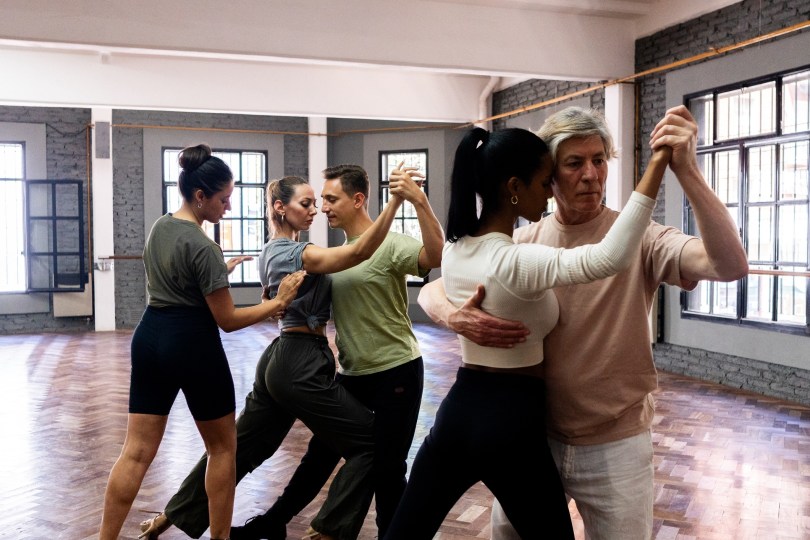


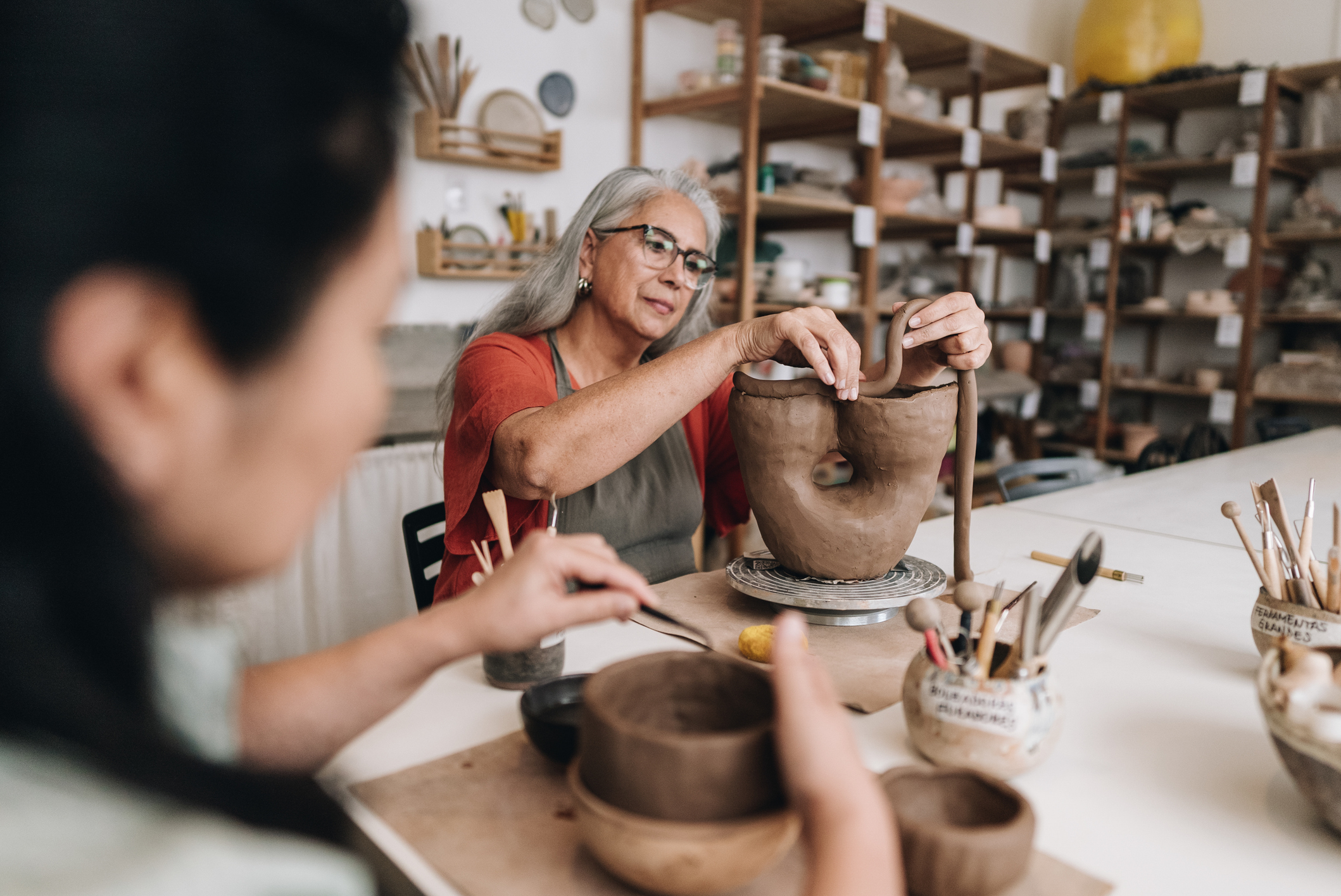
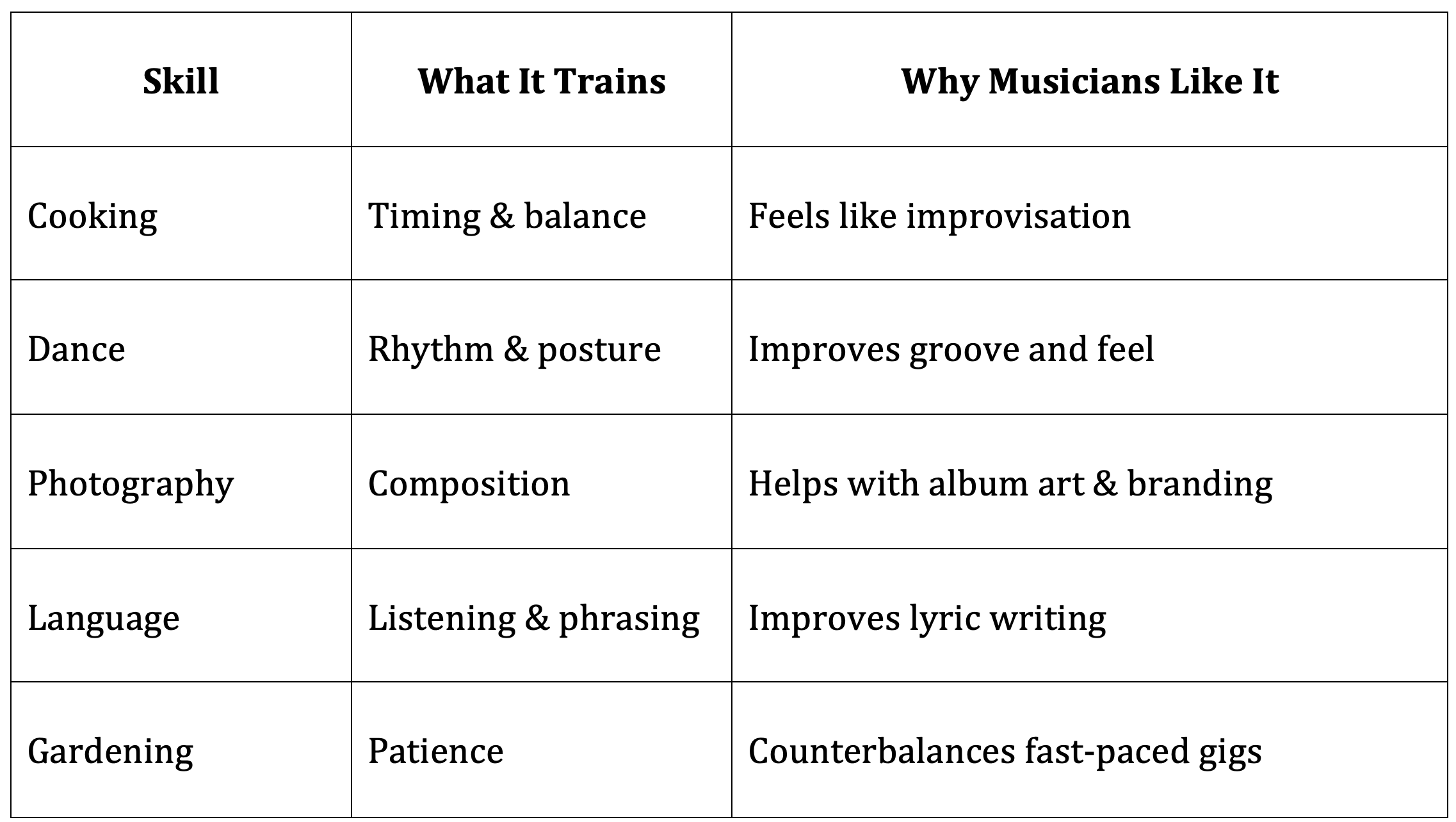


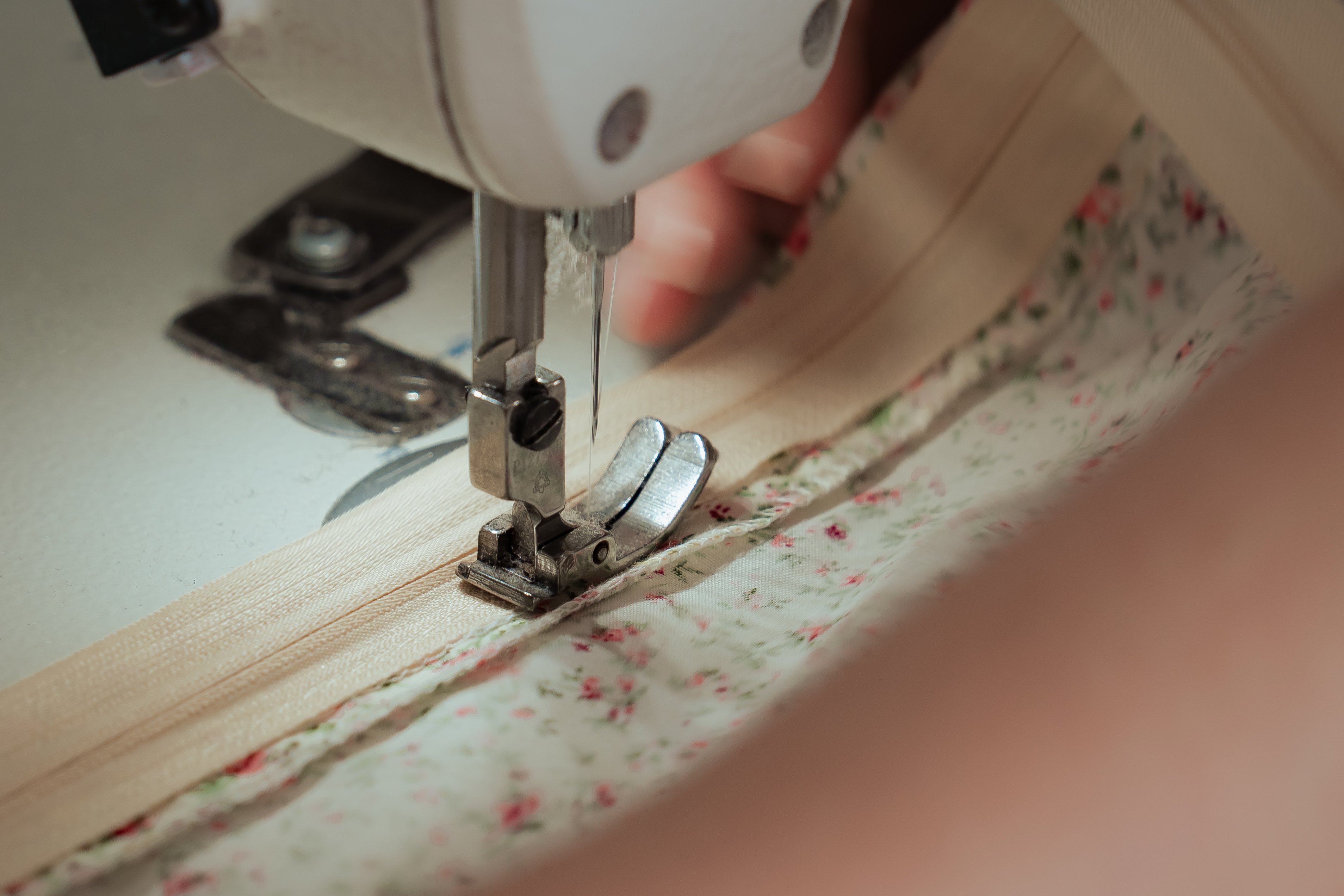

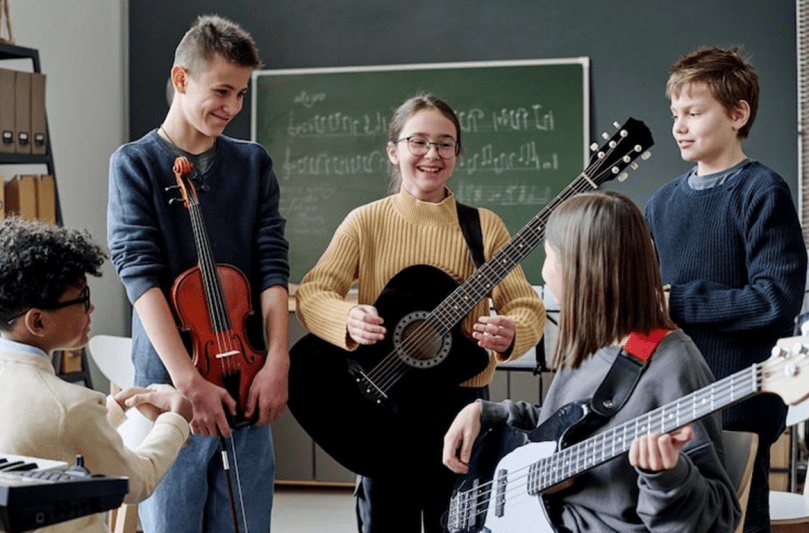


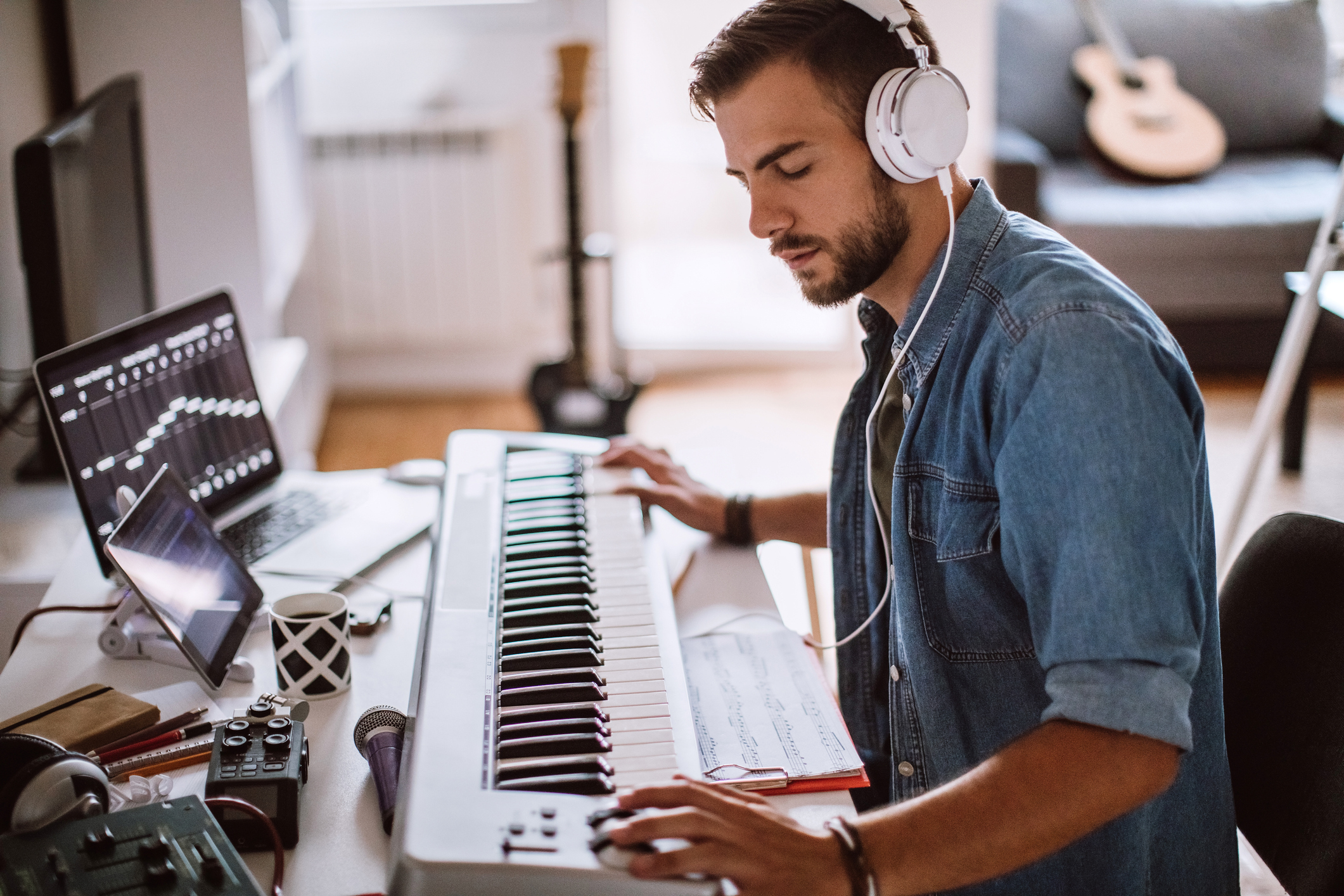
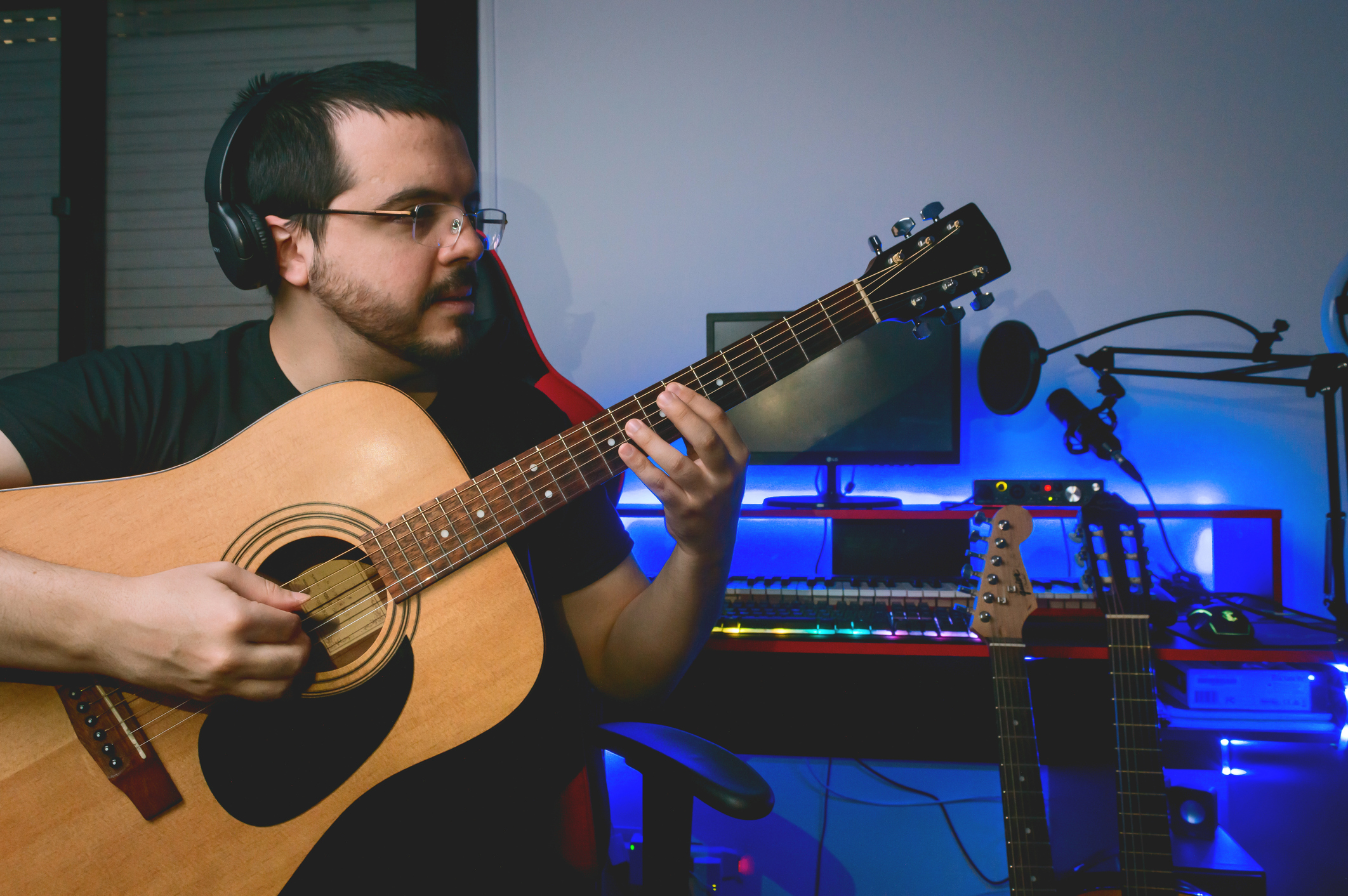



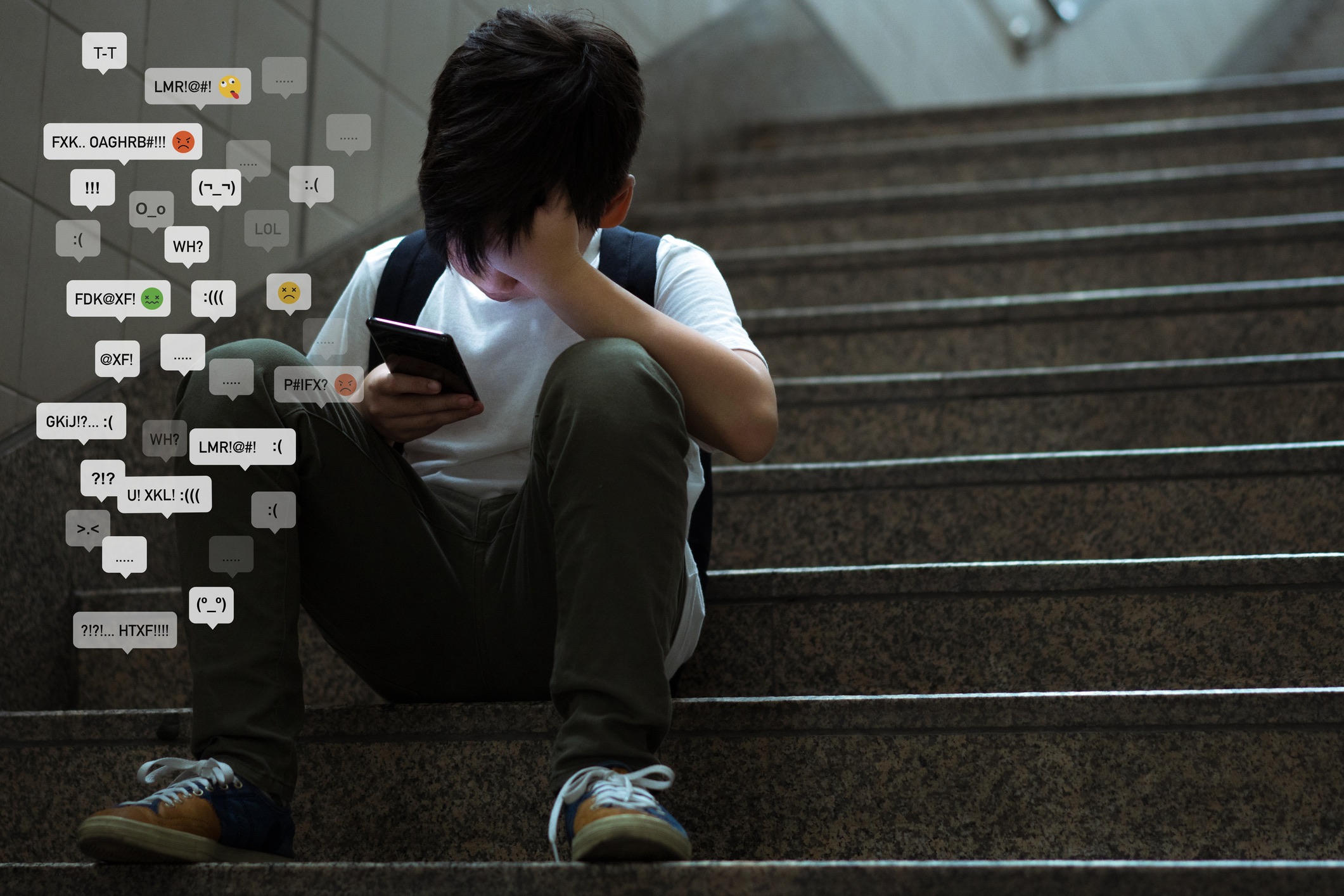
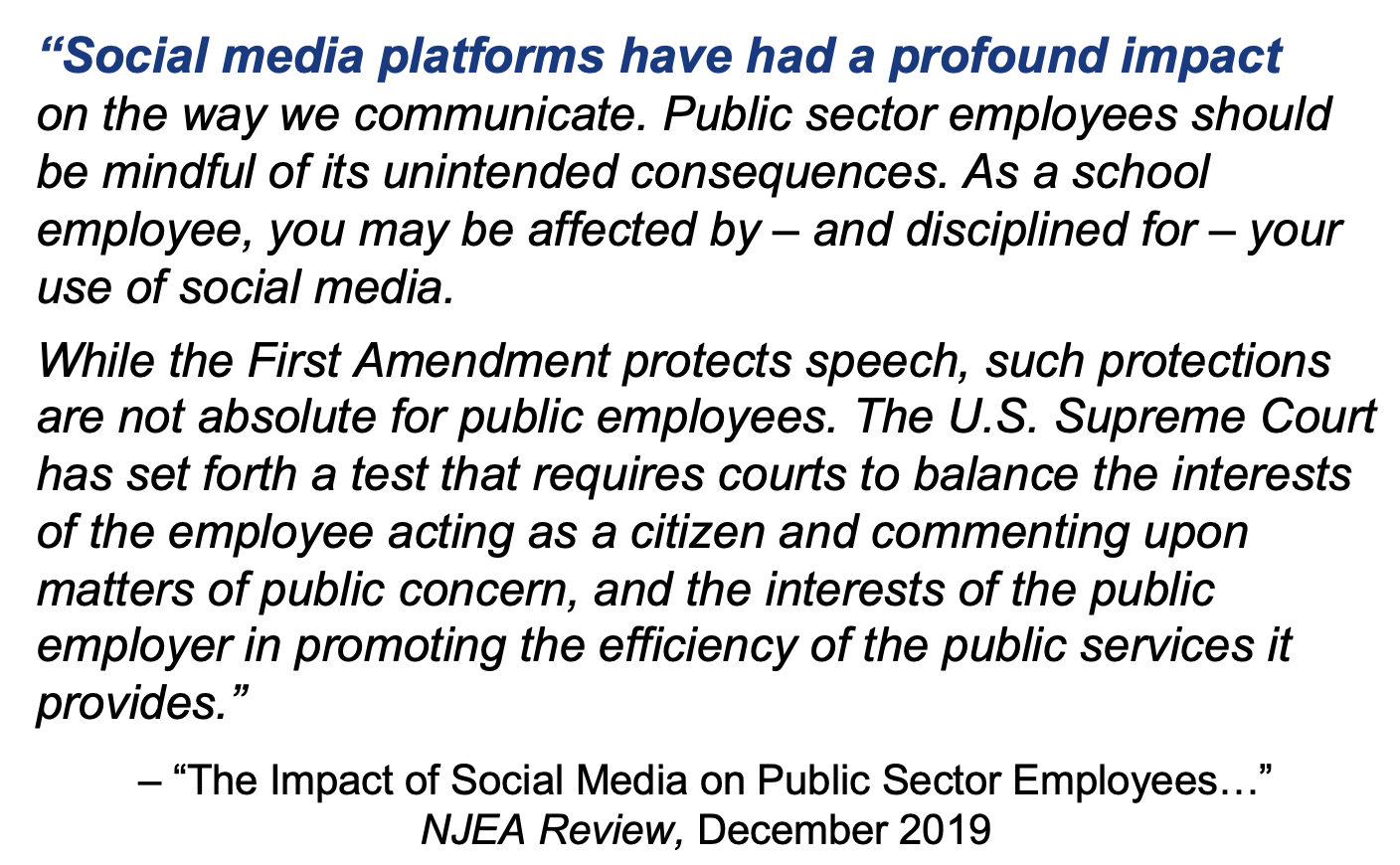
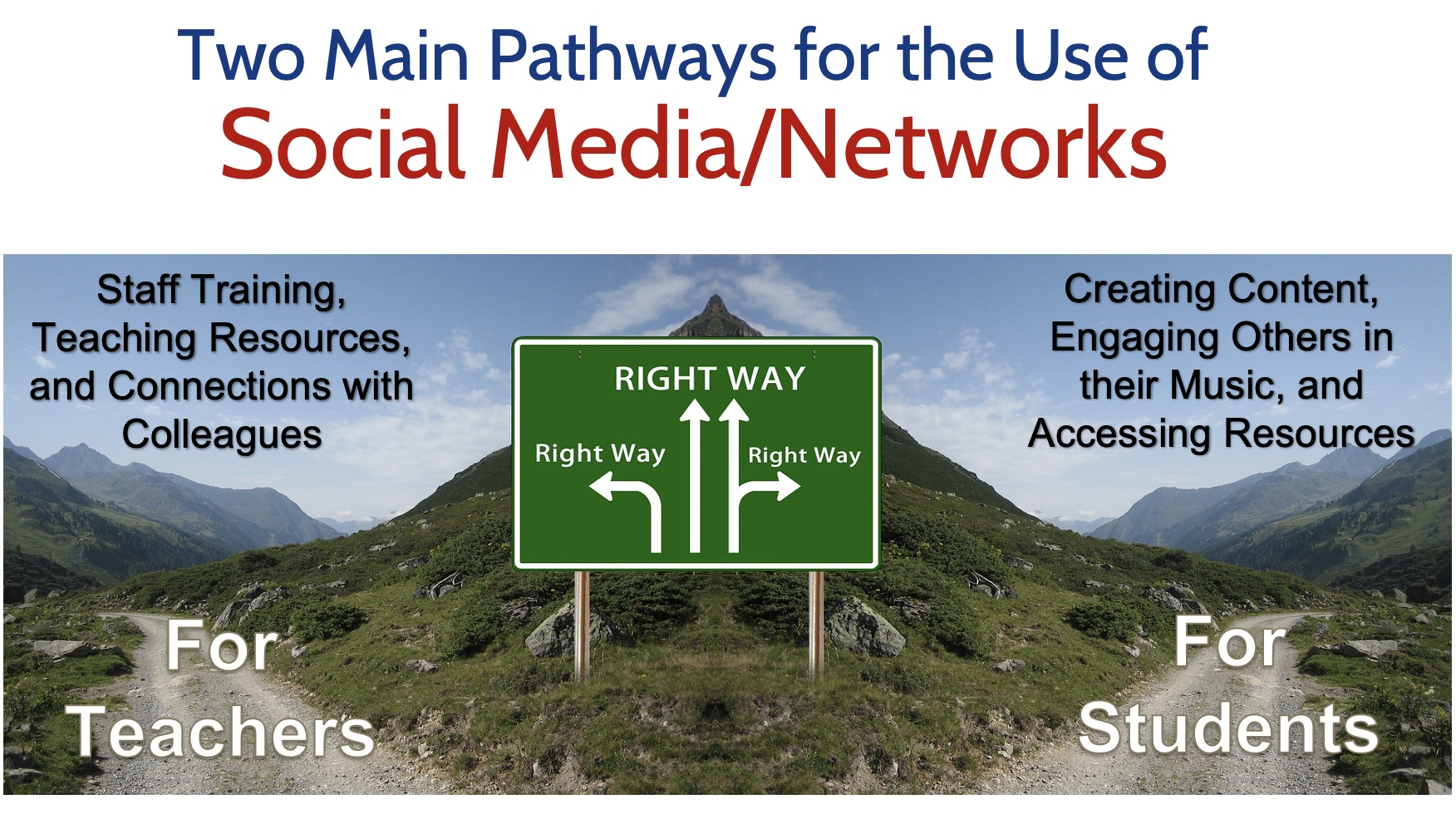
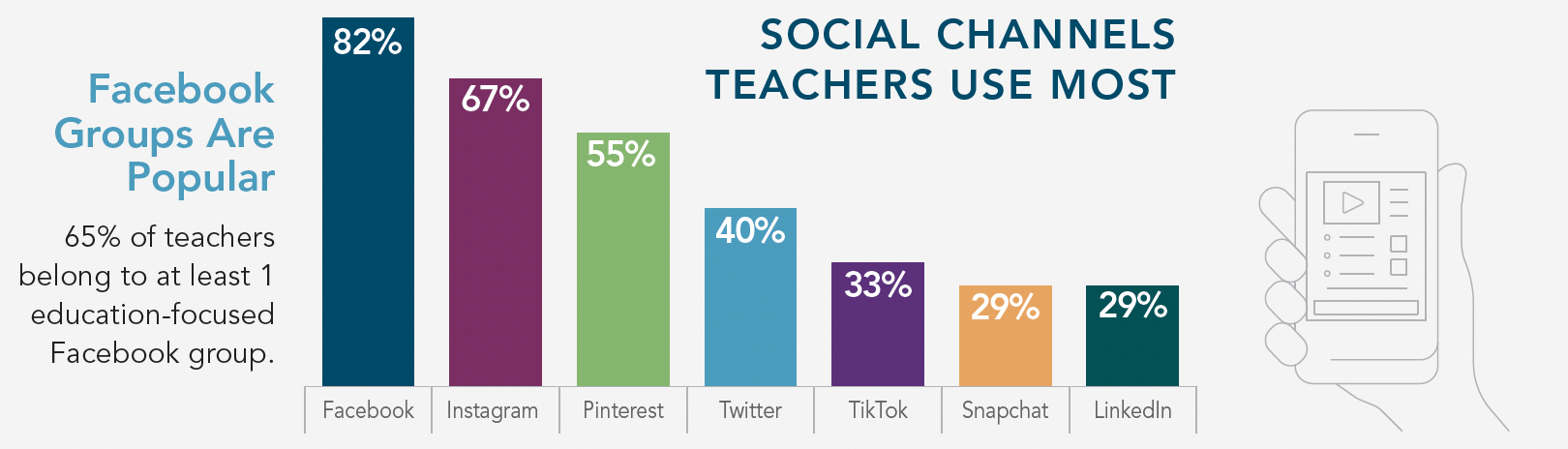
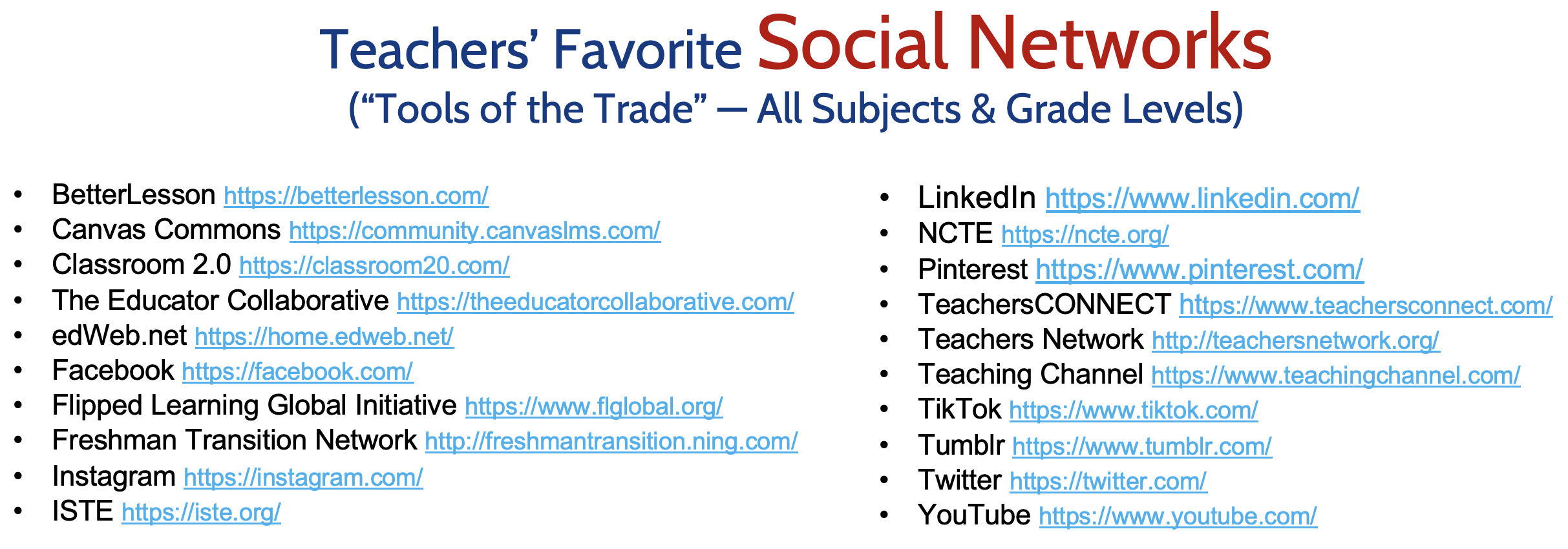


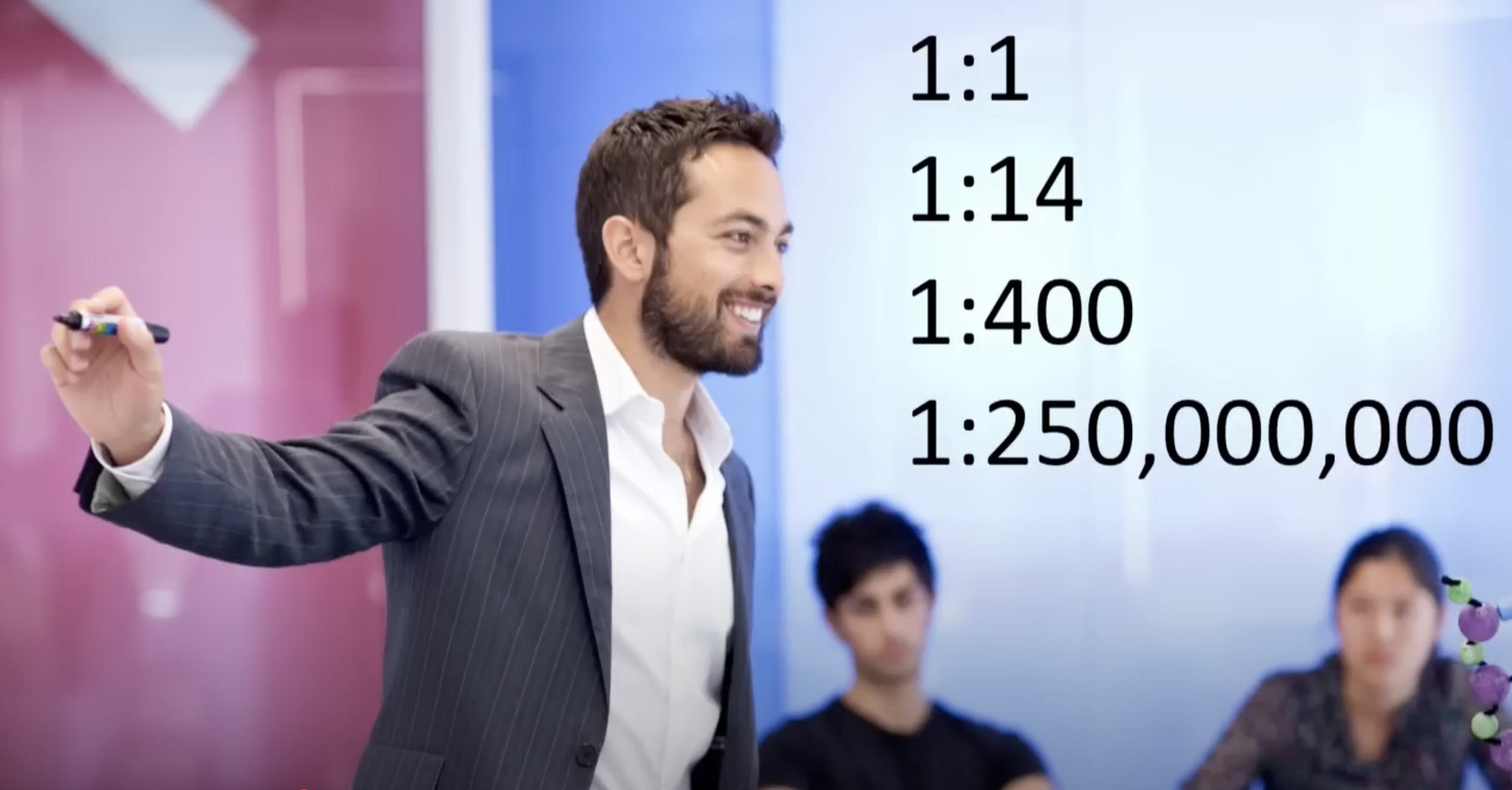
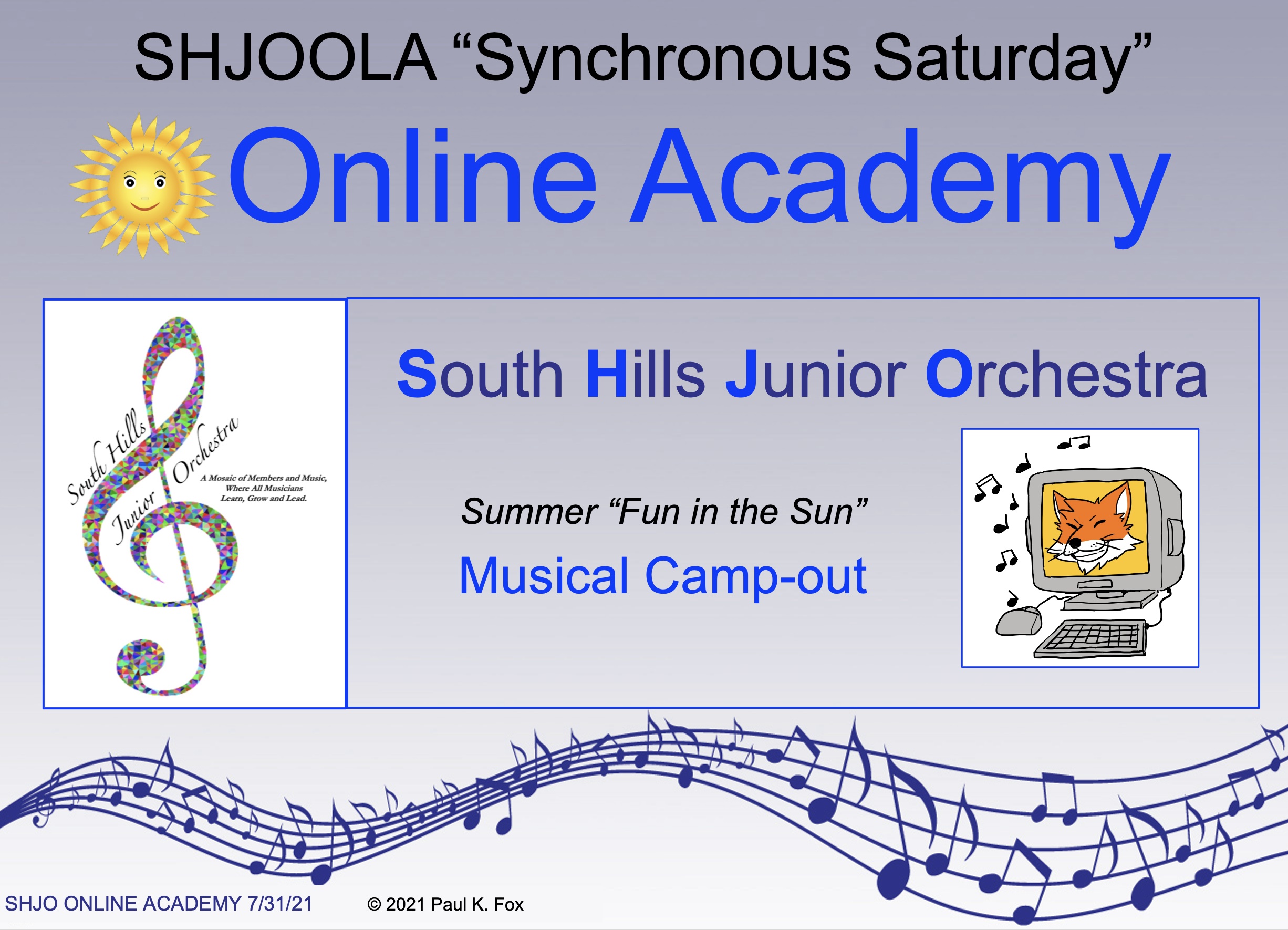
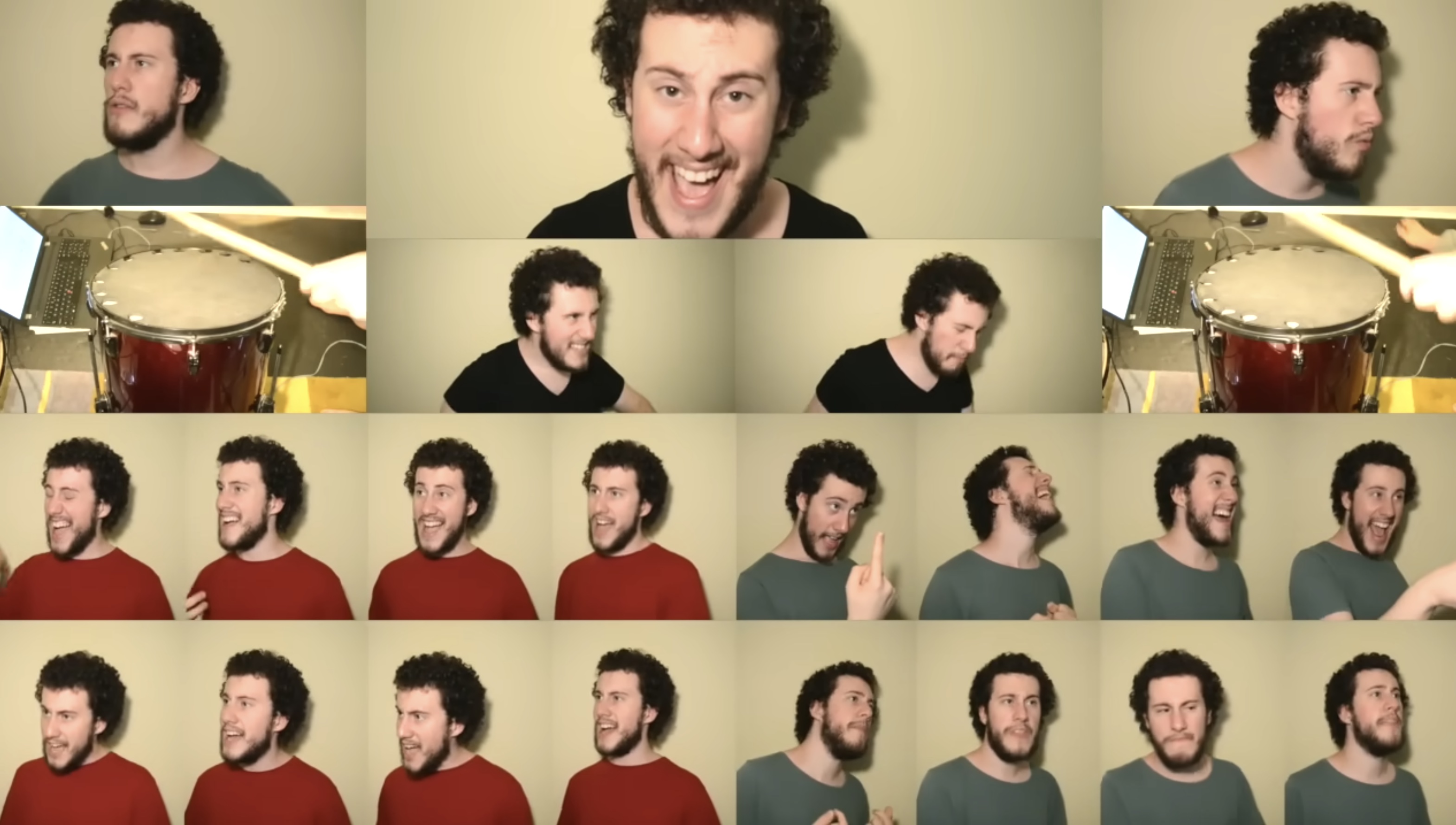
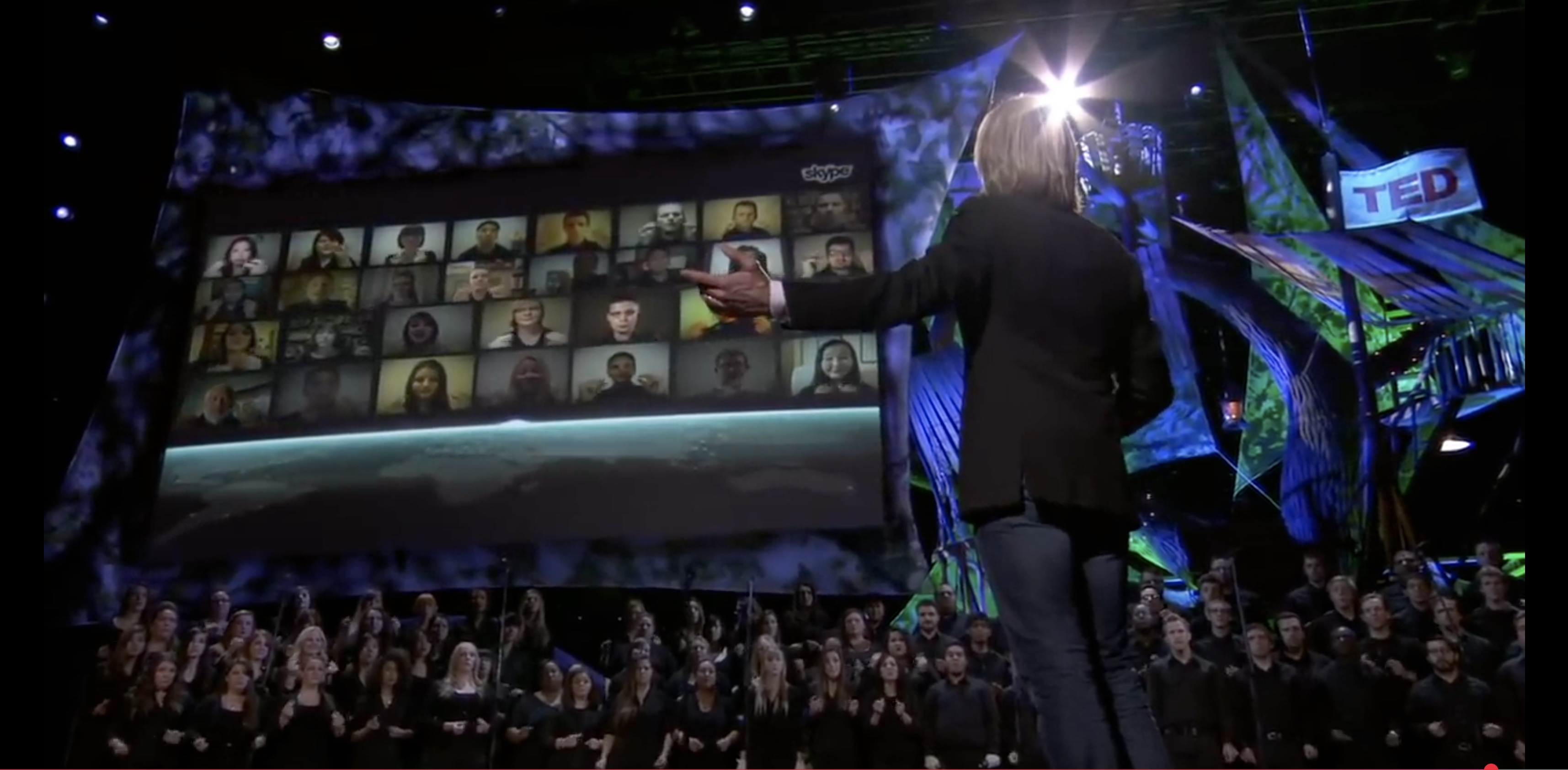


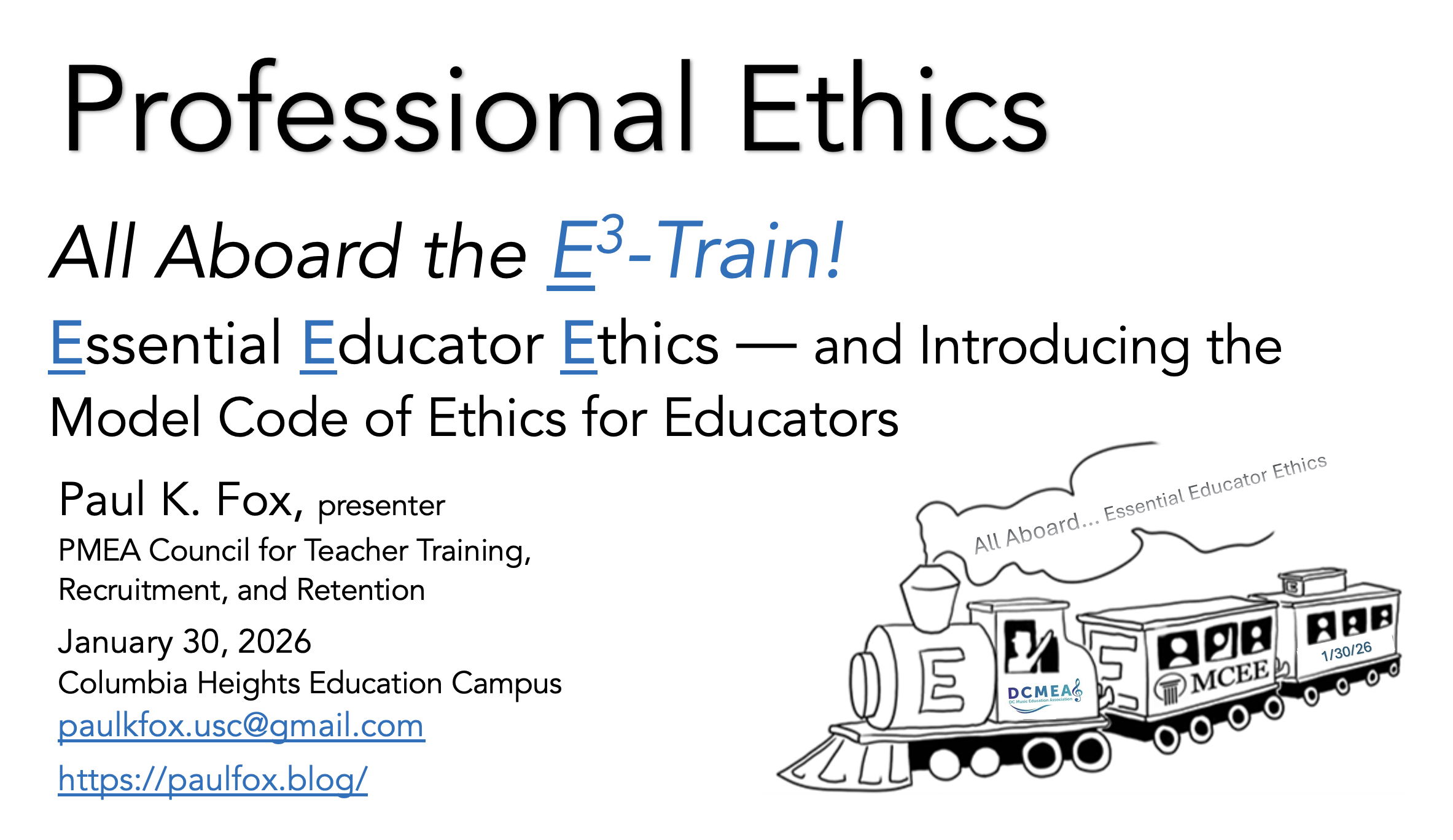

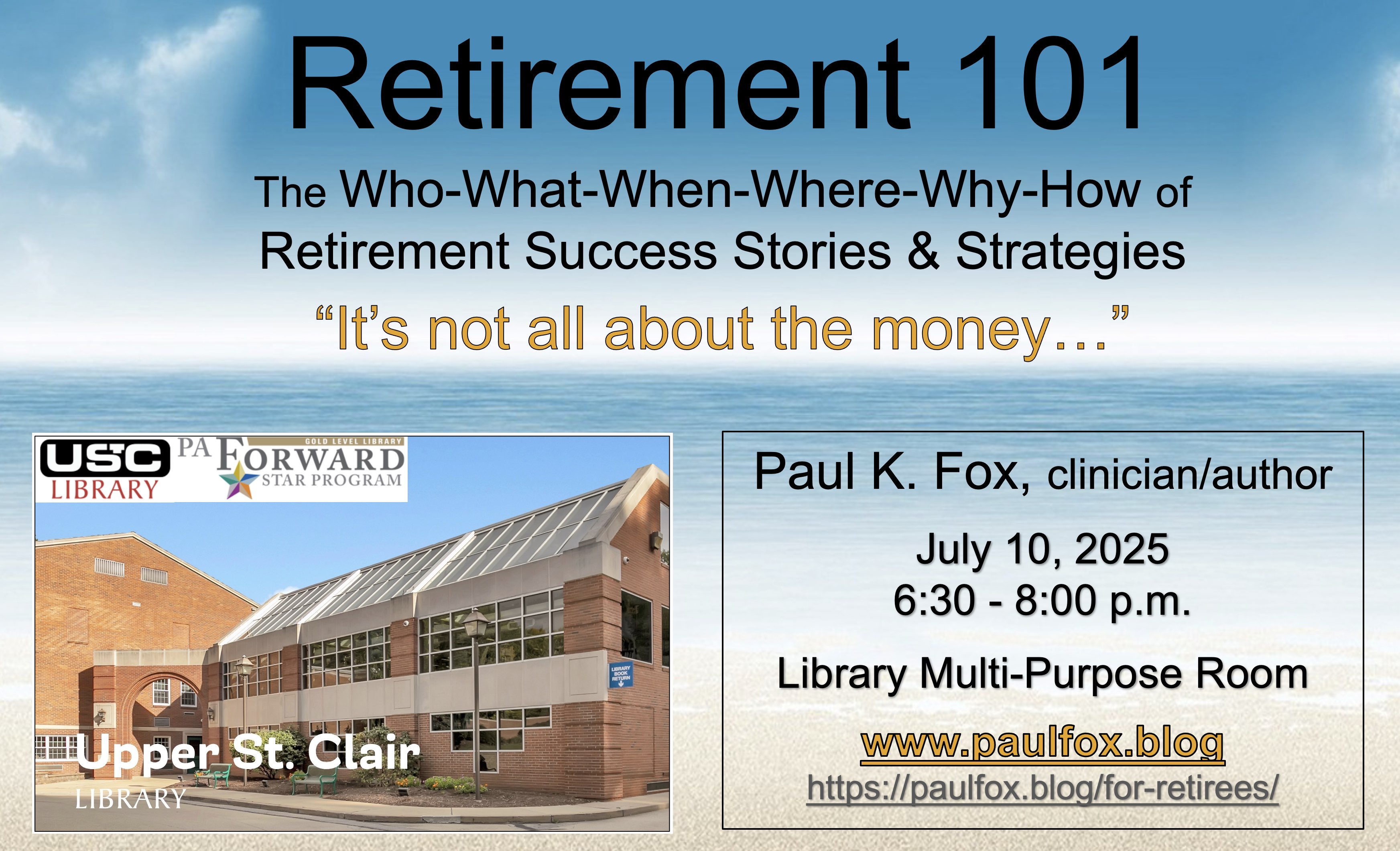

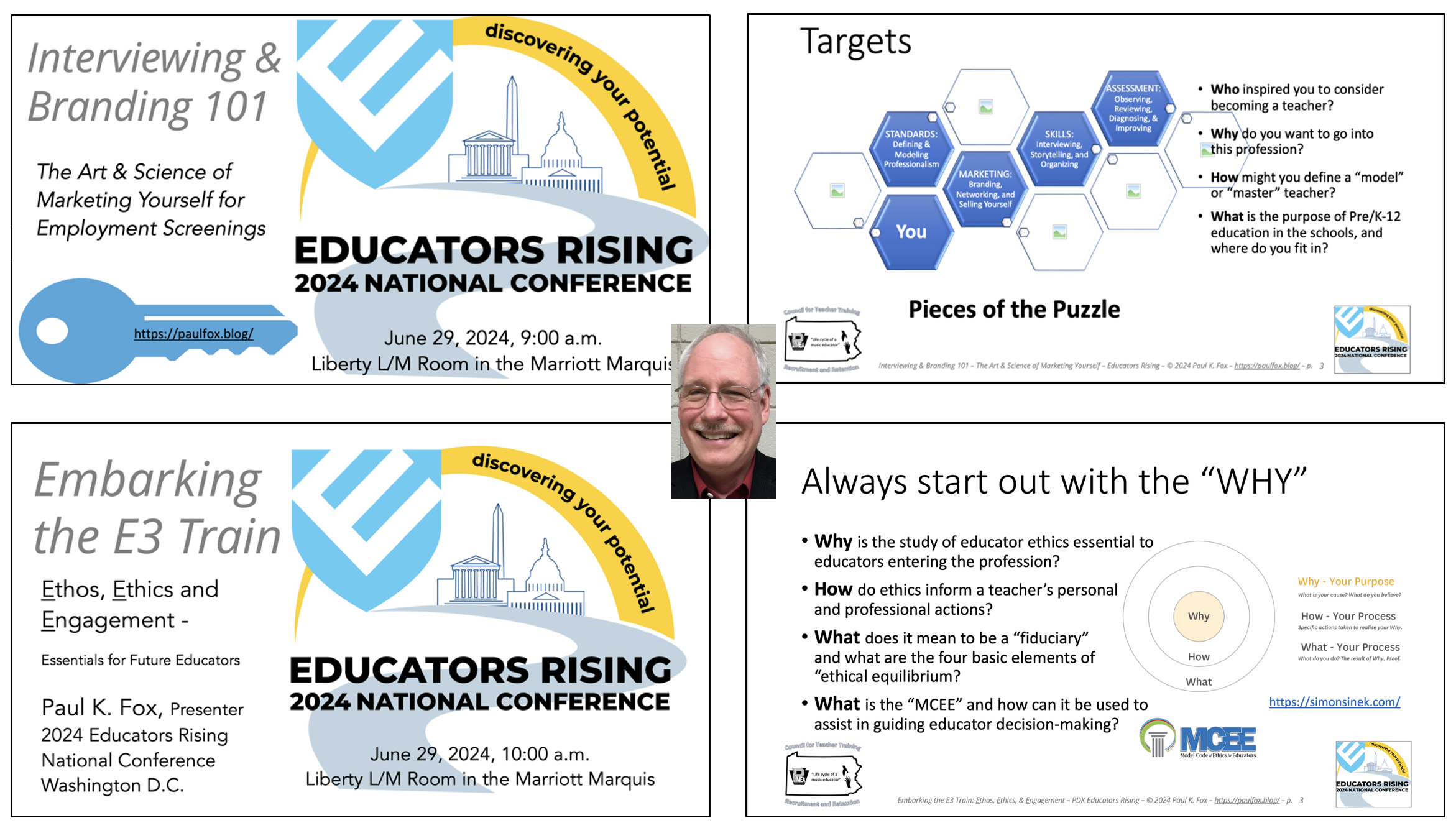
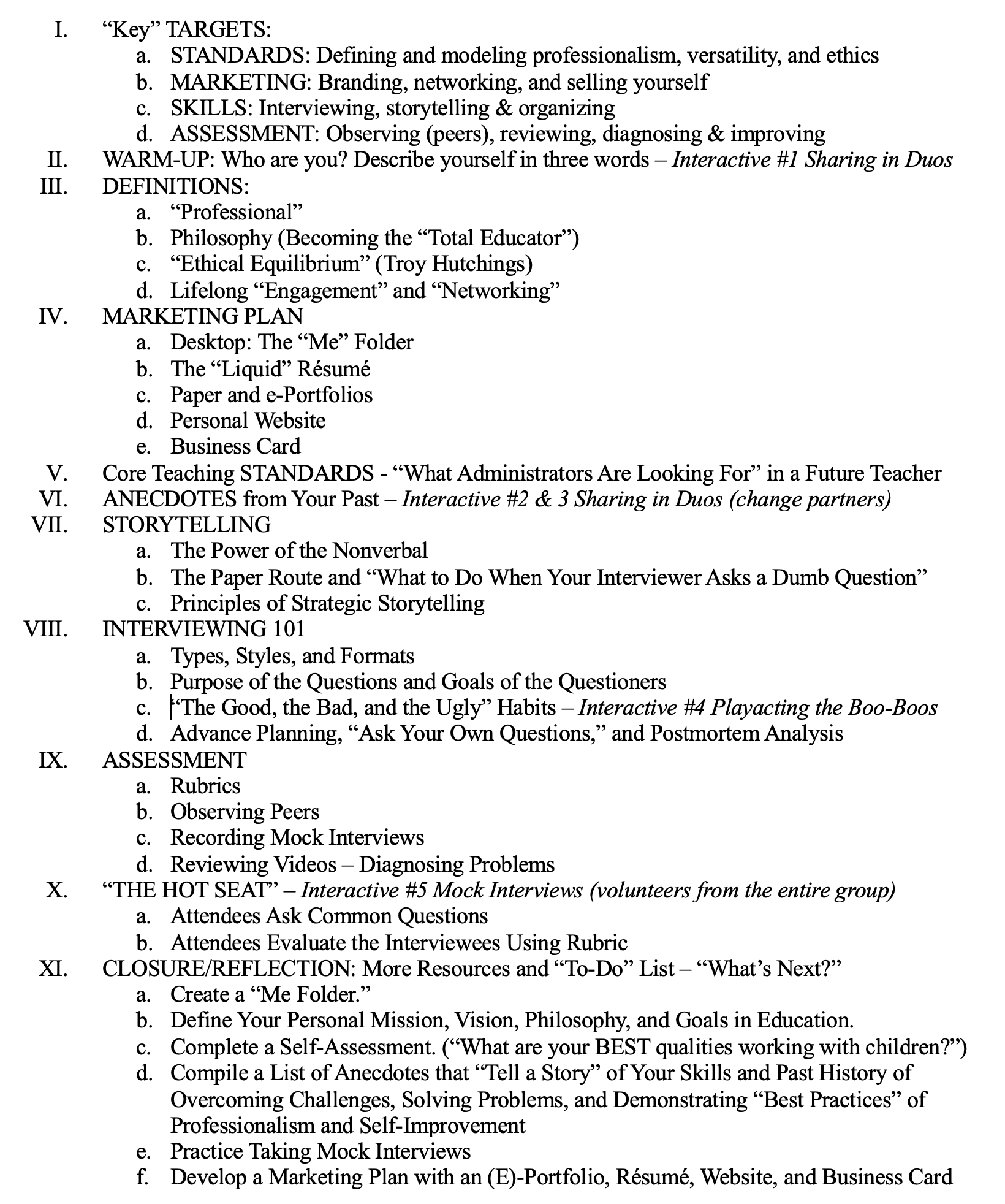

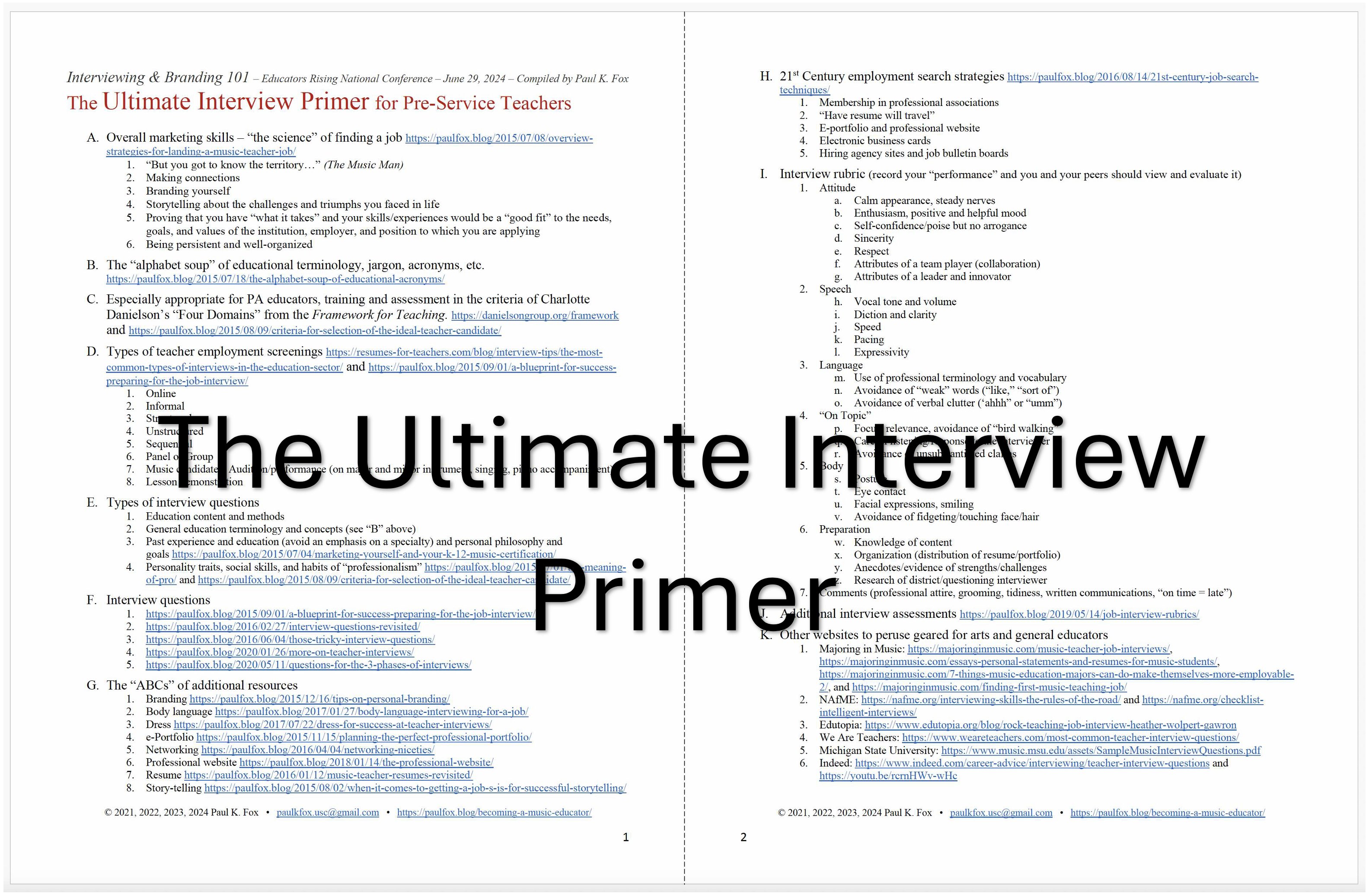
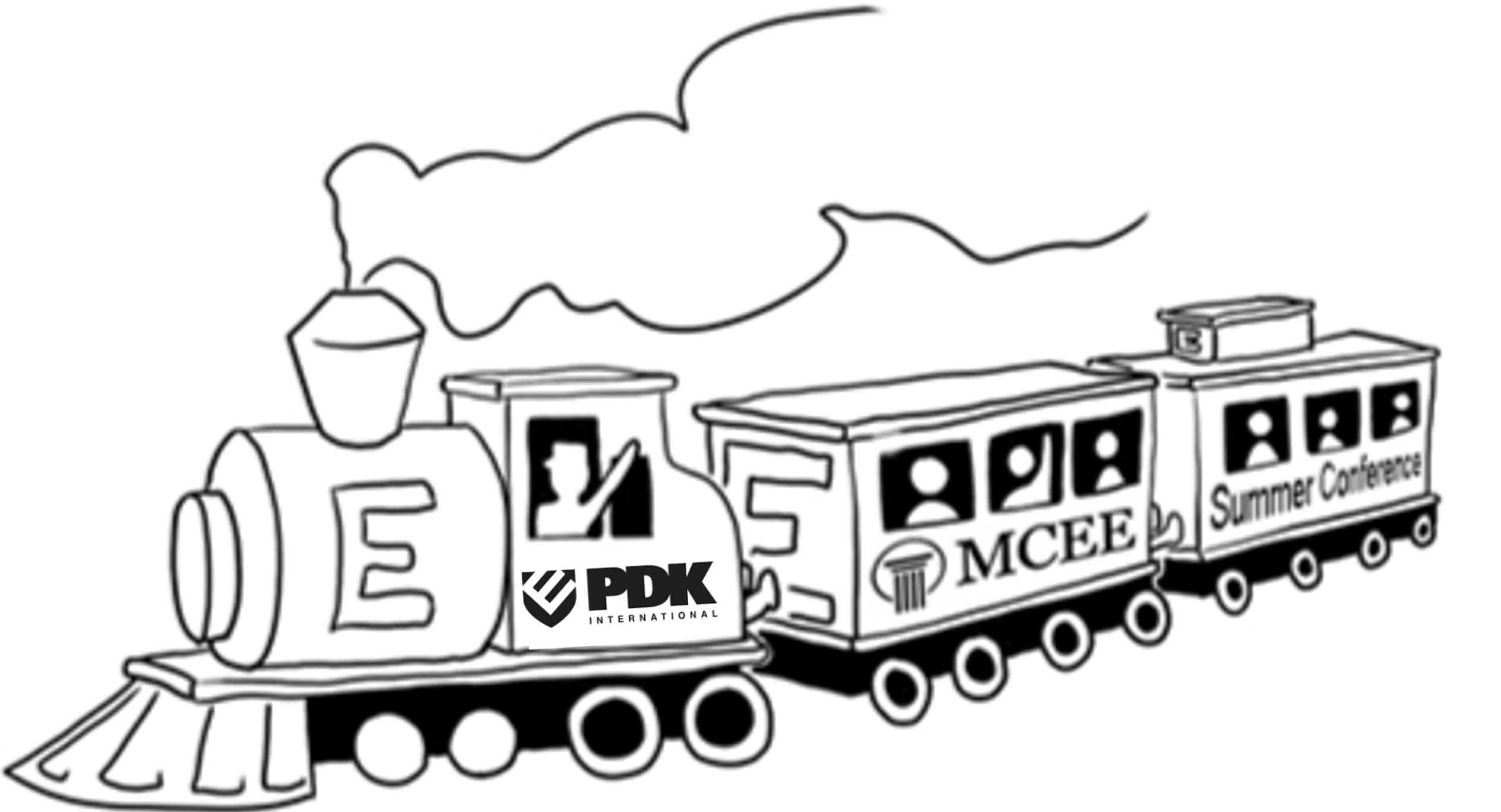
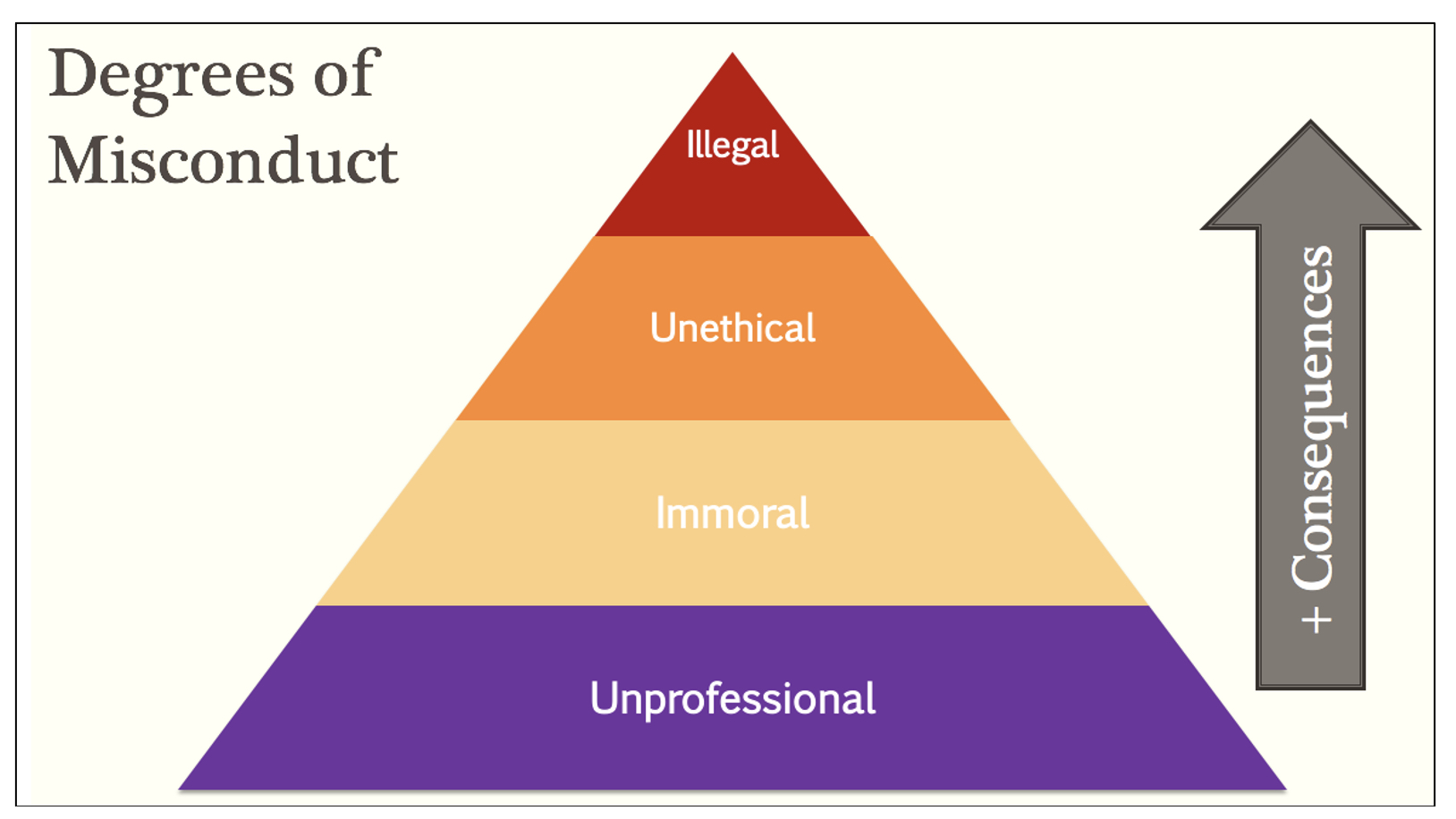
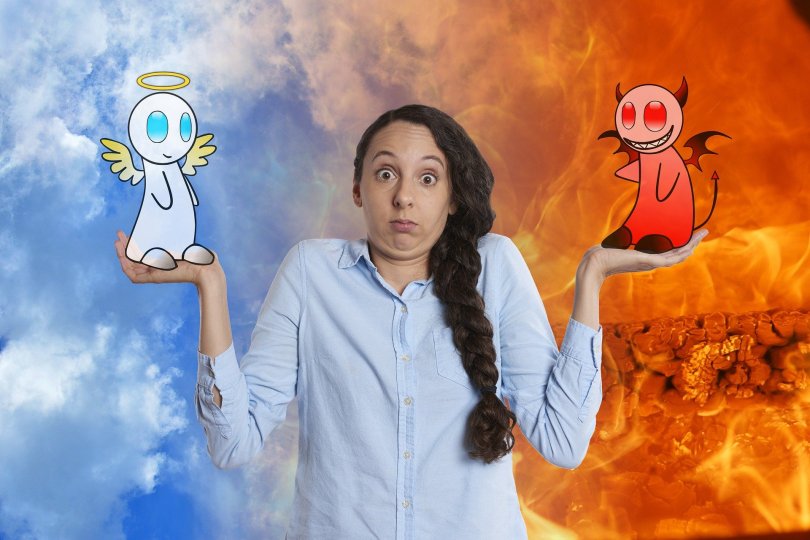







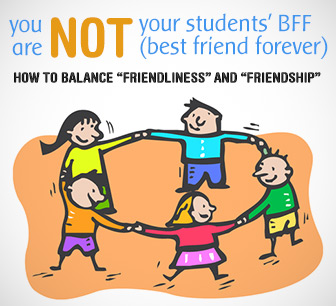







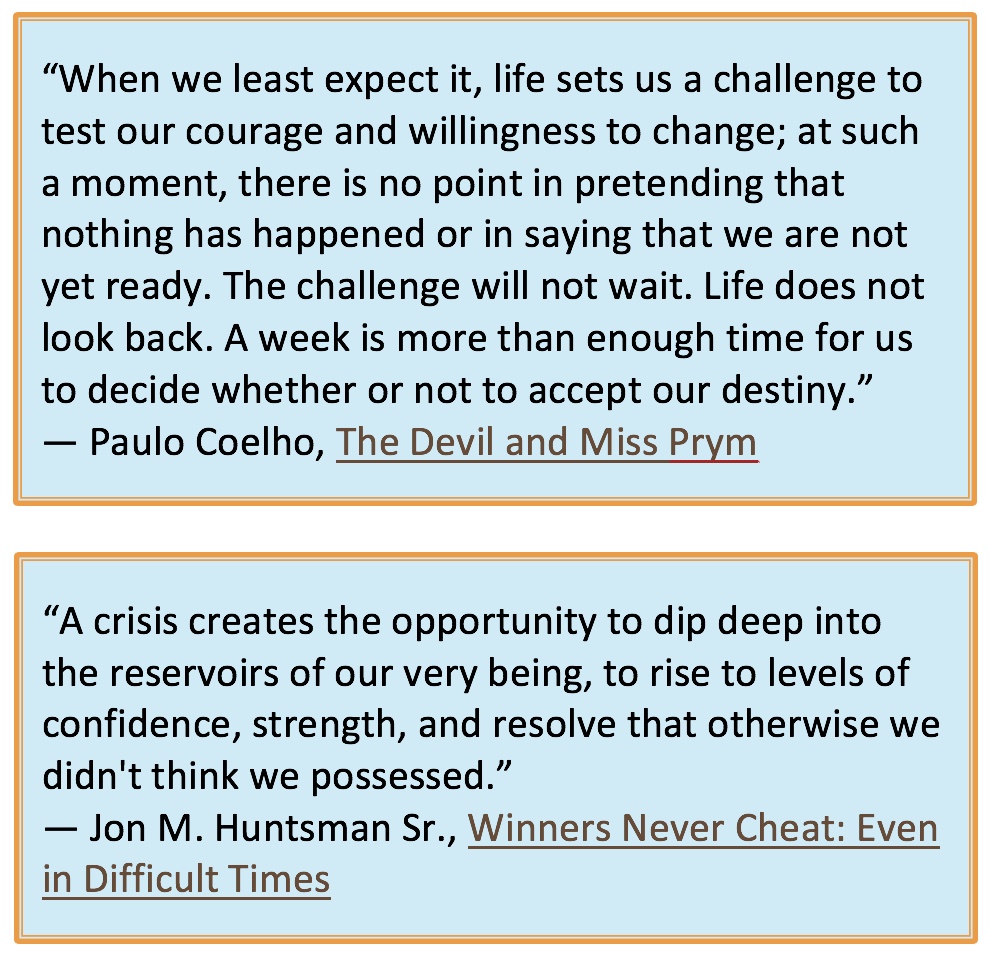
 No teacher will have any patience listening to your whining or remarks of “could have,” “would have,” or “should have been” excuses. What have we always wished for? “If only I had enough time to learn that new scale, étude, or song!” “With all of my other academic assignments, sports events, and extracurricular activities, how can I fit in moments for listening to bands, orchestras, or classical virtuoso artists performing on the web?” “When am I ever going to have the chance to compose…” (or “arrange” or “record” or “memorize” or “conduct” or “choreograph”) “…that piece?” “When will I get around to learn this new technique, practice sight-reading, or dive into those drills designed to improve my key literacy, rhythmic precision, tone, intonation, range, form, coordination, embouchure, stick rudiments, or bow control?
 The mission of South Hills Junior Orchestra, which rehearses and performs at the Upper St. Clair High School in Pittsburgh, PA, is to support and nurture local school band and orchestra programs, to develop knowledge, understanding, performance skills, and an appreciation of music, to increase an individual member’s self-esteem and self-motivation, and to continue to advance a life-long study of music. Members of the Orchestra learn, grow, and achieve positions of leadership to serve their fellow players.
 Once the COVID-19 emergency was declared and universally all schools and outside activities were cancelled (for who knows how long?), the 37th spring season of my community youth (of all ages) orchestra was also “clobbered!” Up to this time, the Western PA-based South Hills Junior Orchestra (SHJO) regularly met on Saturdays from 10:30 a.m. to 12:30 p.m. at the school from where I retired: Upper St. Clair High School.




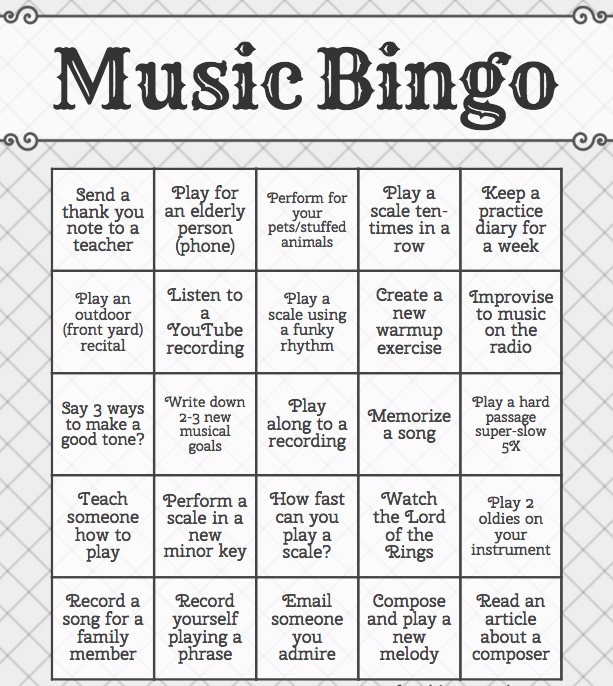
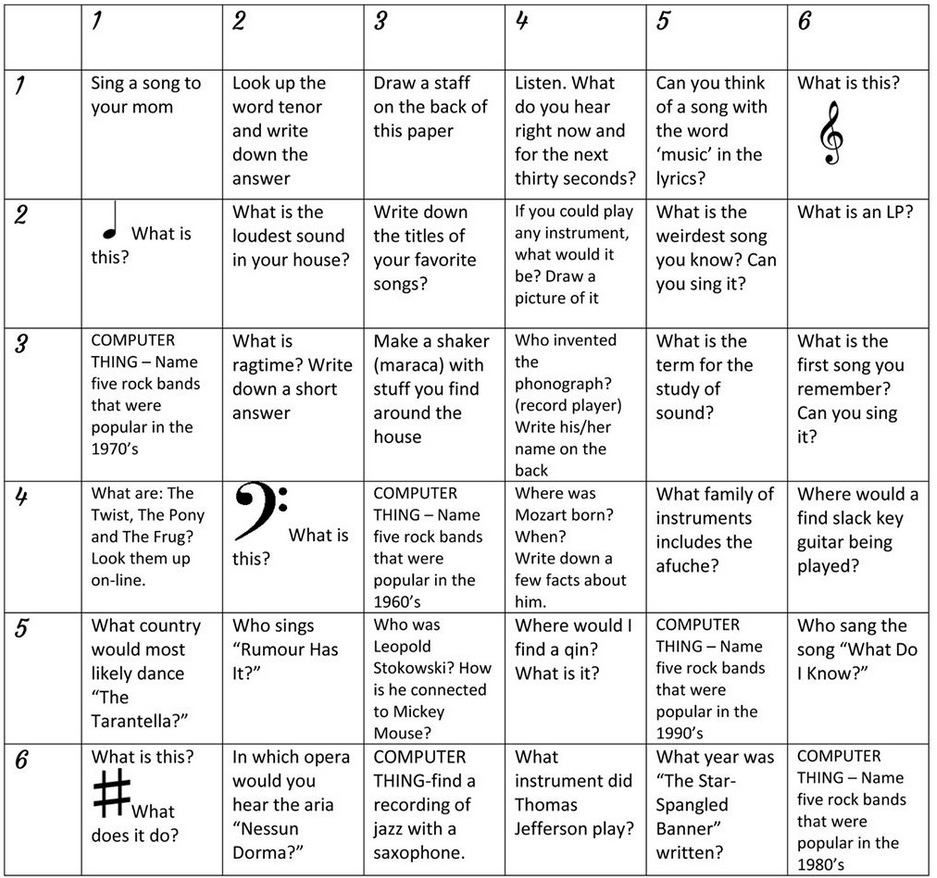
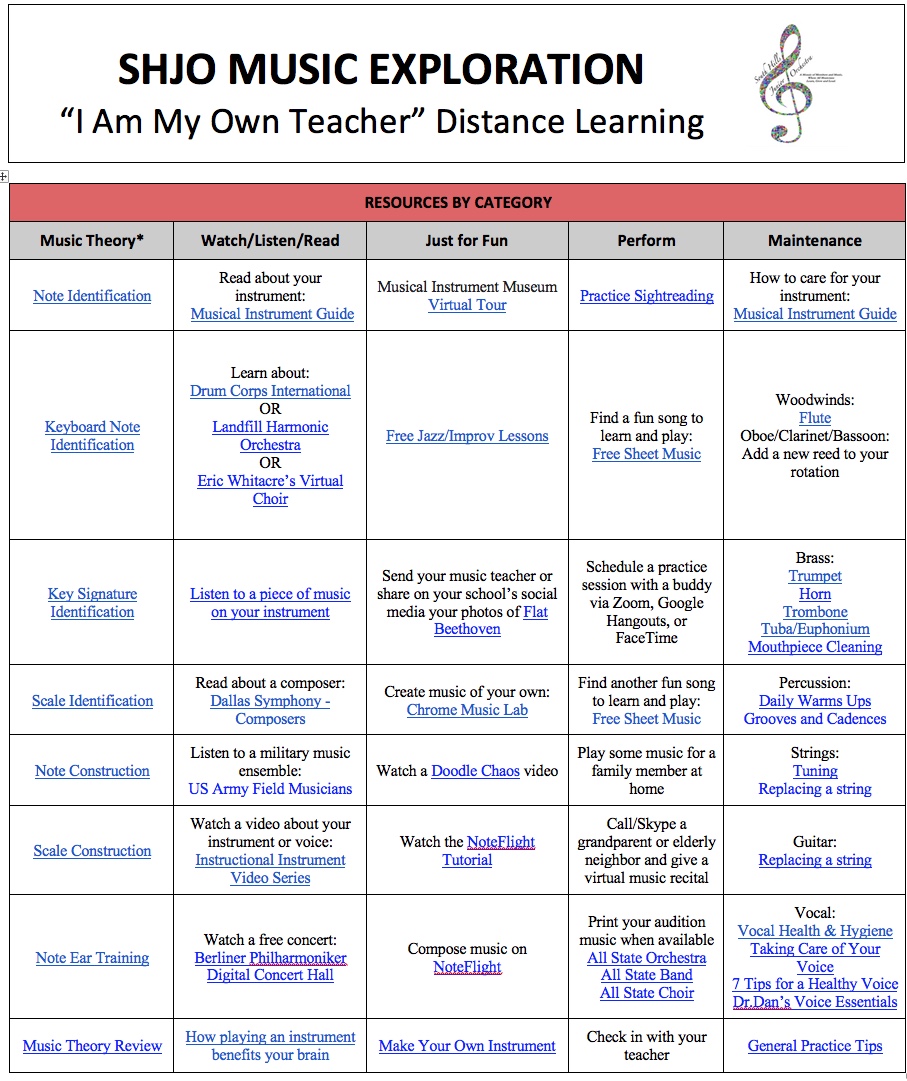
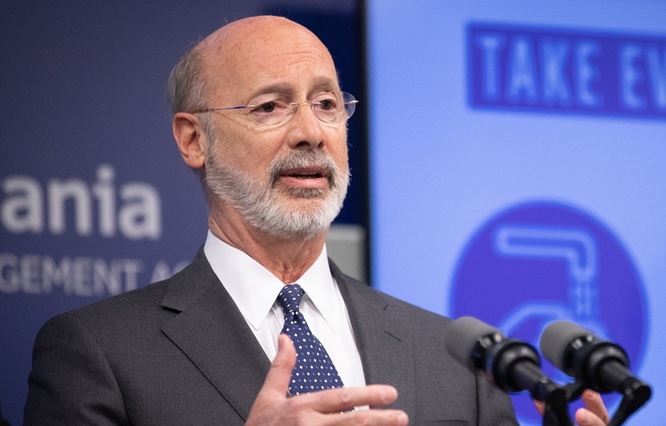




 Supported by Dan Ariely and his team at Timeful (a company acquired by Google), Srinivas Rao writes at
  Easy to set-up
 As musicians and music teachers, this suggestion may hit home: Do something that stimulates your “right brain” with acts of personal self-expression or artistry every day, and schedule it both intentionally and early!
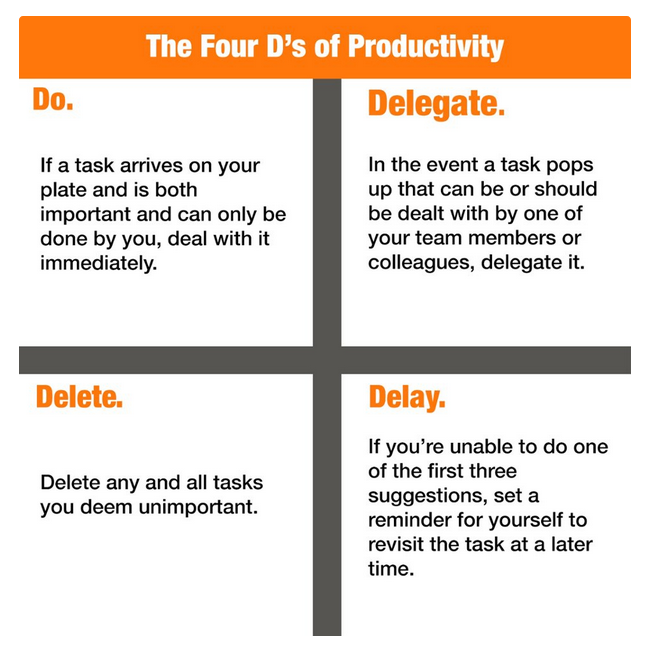
 developing innovations, trends, and movements in their field, and embrace better instructional techniques and use of media for their students!
 The answer is… probably not.
 I remember when I taught full-time and was in the middle of a full-blown musical production, I sometimes laid awake feeling “stirred up” inside trying to think of all the things I needed to do the next day. #5 of Brittney’s list is solved by putting a legal pad and a good pen by your bed stand, and without awakening your spouse, roll over and jot down a few of your “don’t forgets.” Or if you prefer to use the magic of technology, you can do this digitally… take a minute or so and use your tablet or smartphone, but don’t stay up very long and let the screen’s blue-light make your insomnia worse. Revisit title heading #2 above for note-taking apps.
 “Much like Gilligan and his infamous “three hour tour,” what I thought might be a quick clean-out extravaganza turned into an epic, six-month journey through the nether reaches of my closets and my psyche. Along the way, I learned many things from Maeve about organization — and more than a few things about myself that changed my relationship with my stuff.”

 paulfox.blog